303D Systems, Inc.
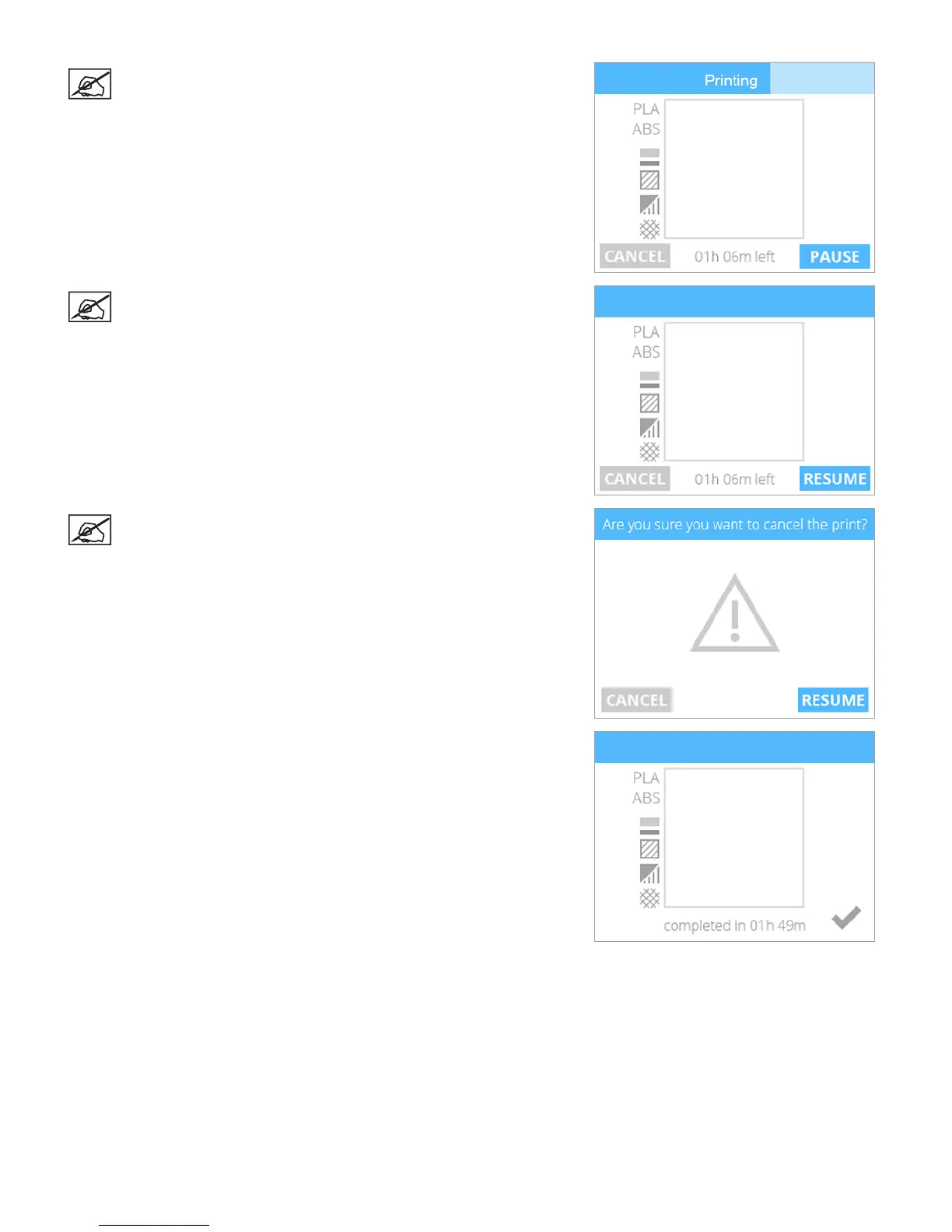
NOTE: The blue bar at the top is a progress indicator. Select
PAUSE to temporarily stop printing. Select CANCEL if you wish to
cancel the print job.
NOTE: Once printing has been paused, select RESUME if you wish
to continue printing.
NOTE: To cancel the print job, select CANCEL to conrm your
decision. Otherwise, select RESUME to continue printing.
5. Once the printer has nished printing, select the checkmark to continue.












 To Next Page