7-6
Questions? Refer to Page 11-22 For Technical Support Instructions.
Chapter 7: Linearity Test
What You See on the Display What You Do Comments
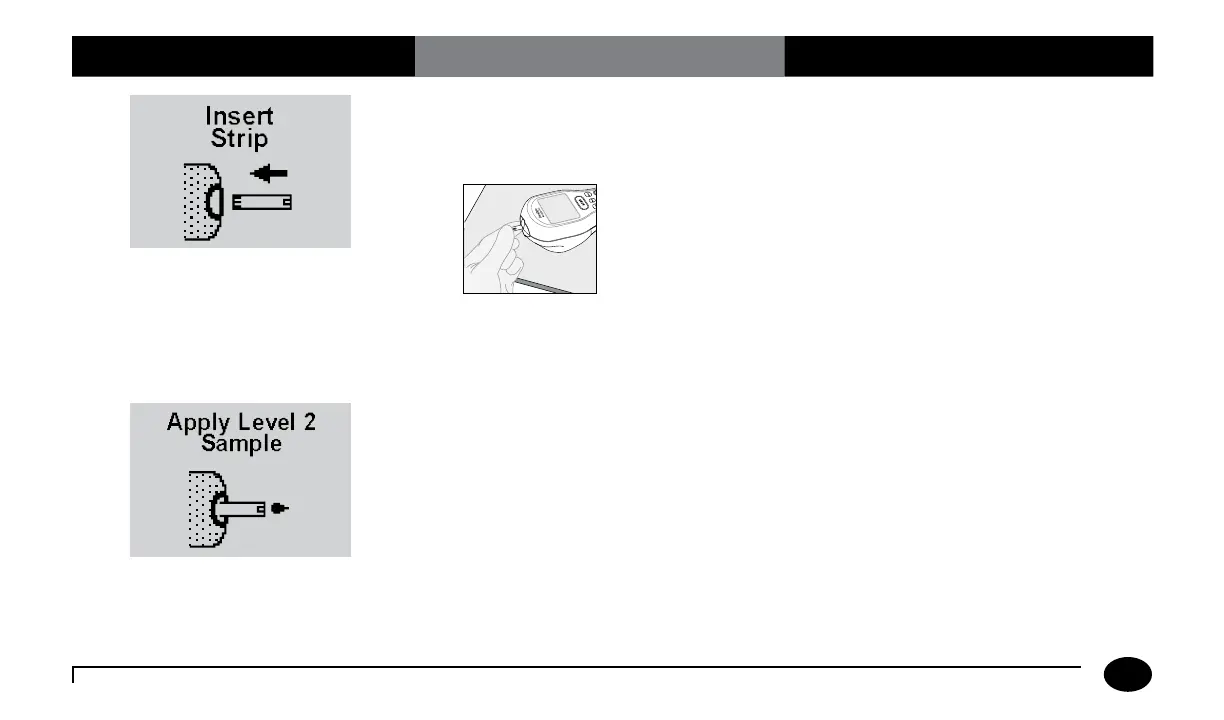
11. With the contact bars facing up, insert
the test strip into the test strip port until
it stops and Strip Inserted is displayed.
Prior to inserting the test strip, ensure that
the strip port module is installed and that it
is clean and dry. Replace if necessary. The
meter will prompt you to apply the sample
to the test strip.
12. Follow the instructions in the CVC kit
package insert. Then apply a drop of the
sample to the target area.
When sufficient sample has been applied,
the meter beeps, displays Sample
Accepted and automatically starts the test.
For a detailed description of the test strip
target area, refer to the Test Strips section of
Chapter 1.












 To Next Page