4-8
Questions? Refer to Page 11-22 For Technical Support Instructions.
Chapter 4: Control Test
What You See on the Display What You Do Comments
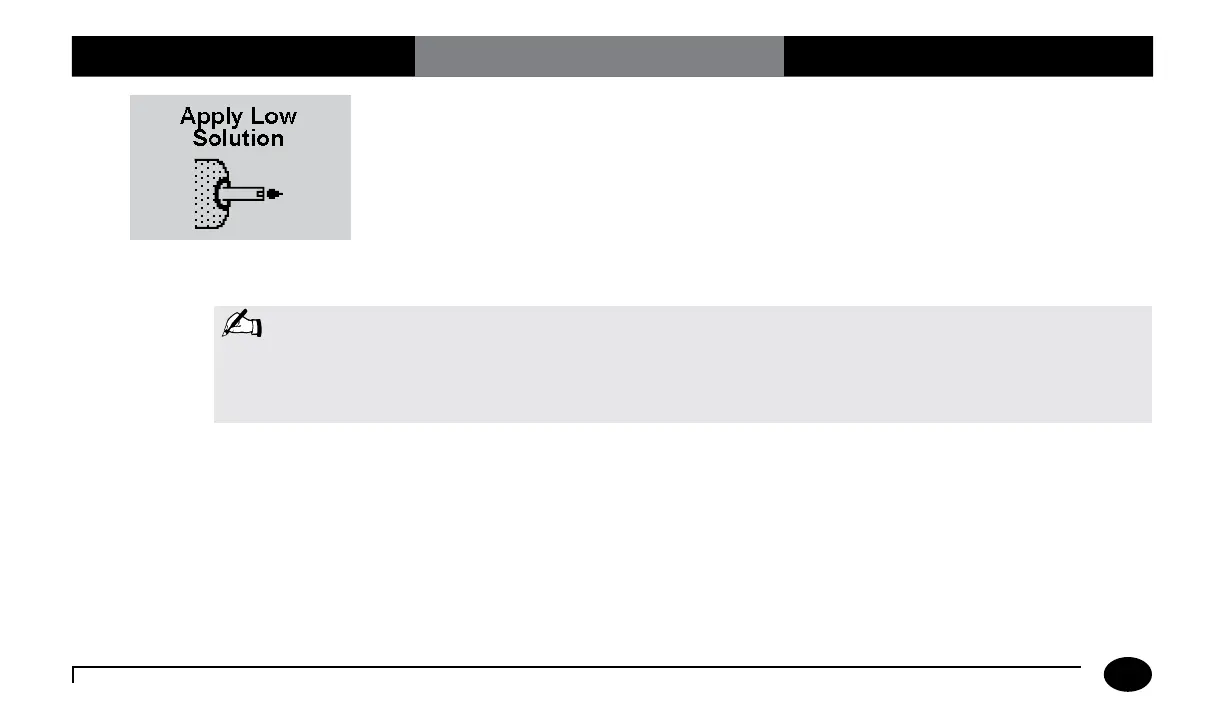
8. Gently invert the required control
solution bottle 3-4 times. Remove the
cap of the control solution bottle and
wipe the nozzle with a clean gauze or
tissue. Apply a small drop of solution
to the test strip target area. Wipe the
nozzle of the control solution bottle
before replacing the cap.
When sufficient sample has been applied,
the meter beeps, displays Sample
Accepted and automatically starts the test.
For a detailed description of the test strip
target area, refer to the Test Strips section of
Chapter 1.
Note: Do not lift the meter to view the display until after the test strip has been removed. Tipping the meter
while the test strip is inserted may cause the control solution to drip into the strip port, contaminating
the strip port. If the meter becomes disabled as a result of liquid or other contaminants entering the
strip port, the strip port module should be replaced.












 To Next Page