Art: 725708-00E Rev. Date 07-FEB-12 12
If that did not work, a password is needed.
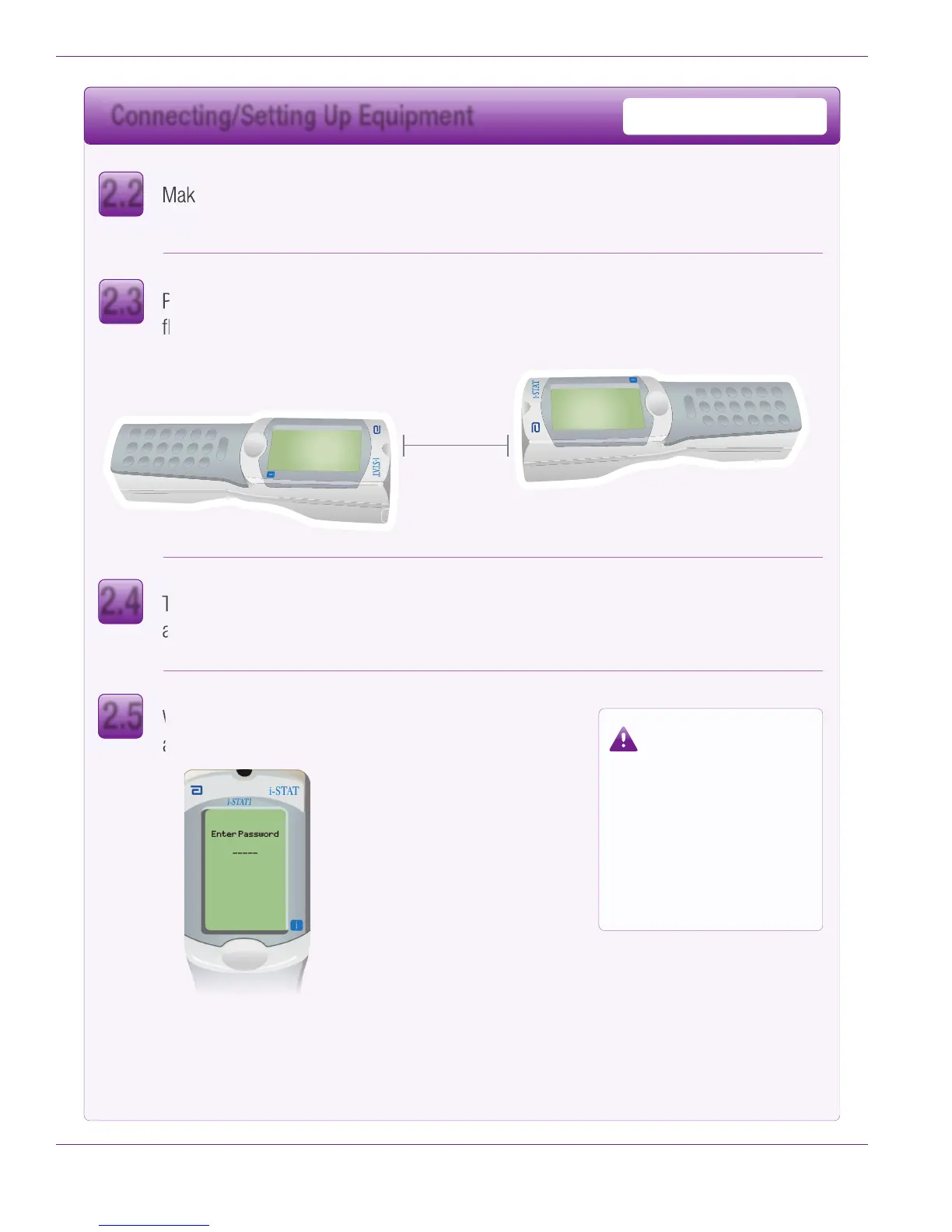
Enter the password defined by your facility and press ENT.
Place Sending and Receiving Handhelds on a
flat surface with infrared (IR) windows aligned,
approximately 1 foot apart.
Turn on the Sending Handheld, press MENU,
and select 7-Utility.
If the correct password was not
entered, the Utility Menu will not
appear. Check for data entry
errors and retry.
If still unsuccessful, call APOC
Technical Support and indicate:
• A Handheld-to-Handheld
update has been attempted
• Password for Utility Menu
is unknown
When prompted for a password, press ENT
and continue.
Sending Handheld
Receiving Handheld
Make sure the power is off on the Receiving Handheld.
2.2
2.3
2.4
2.5
Connecting/Setting Up Equipment
Handheld-to-Handheld


 To Next Page
 Loading...







