AcerPower 6000 User’s Guide1-4
1.3 Connecting System Components
Do not turn on the power until you finish connecting the system components.
The following sections show how to connect each component to the system.
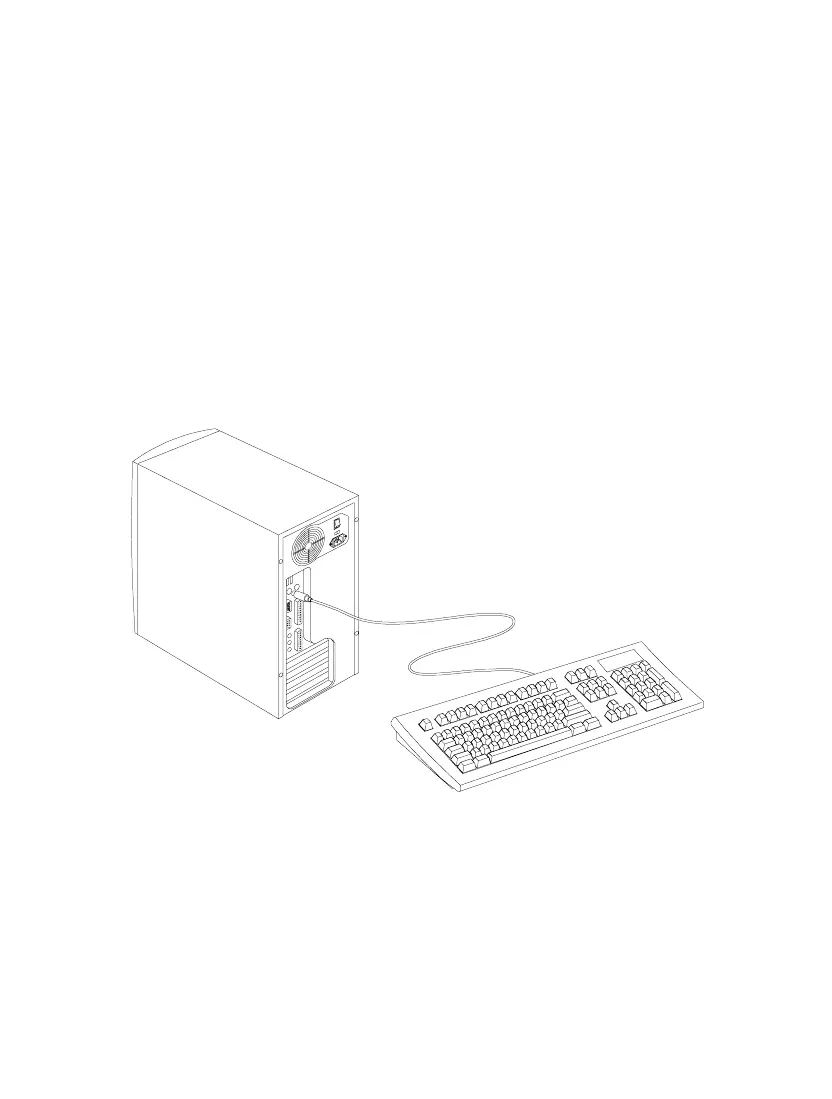
1.3.1 Connecting the Keyboard
Plug the keyboard cable into the keyboard socket on the rear panel. See Figure 1-3.
Figure 1-3 Connecting the Keyboard













 To Next Page