AcerPower 6000 User’s Guide4-8
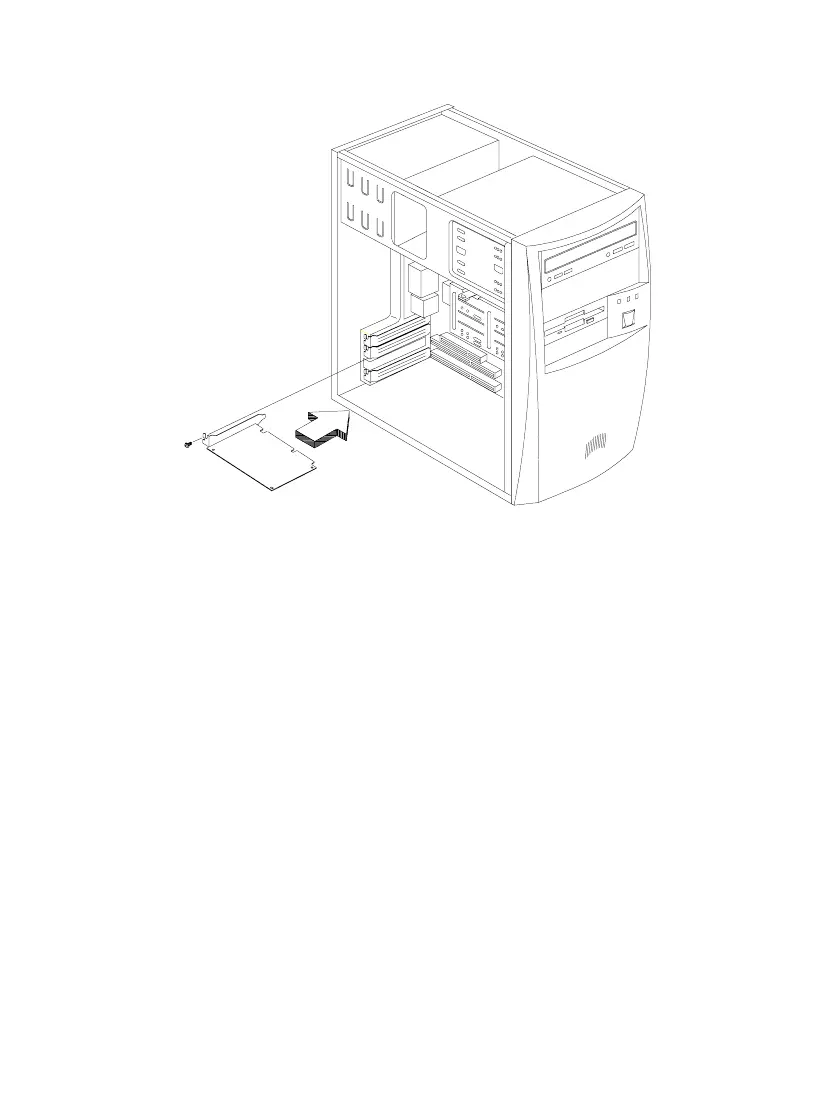
Figure 4-6 Installing an ISA Card
4.4 Installing Additional Memory
The system memory is upgradable to a maximum of 256 MB via two 168-pin
DIMM sockets on board. These DIMM sockets accept DRAMs with 8-, 16-, 32-, 64-,
and 128-MB capacities, 60 ns (nanoseconds) or less access time, and with ECC. See
Figure 2-1 for the location of the DIMM sockets. Section 4.4.1 tells how to install
DIMMs.
Table 4-1 lists possible memory configurations.













 To Next Page