Chapter 4 - Installing Optional Components 4-17
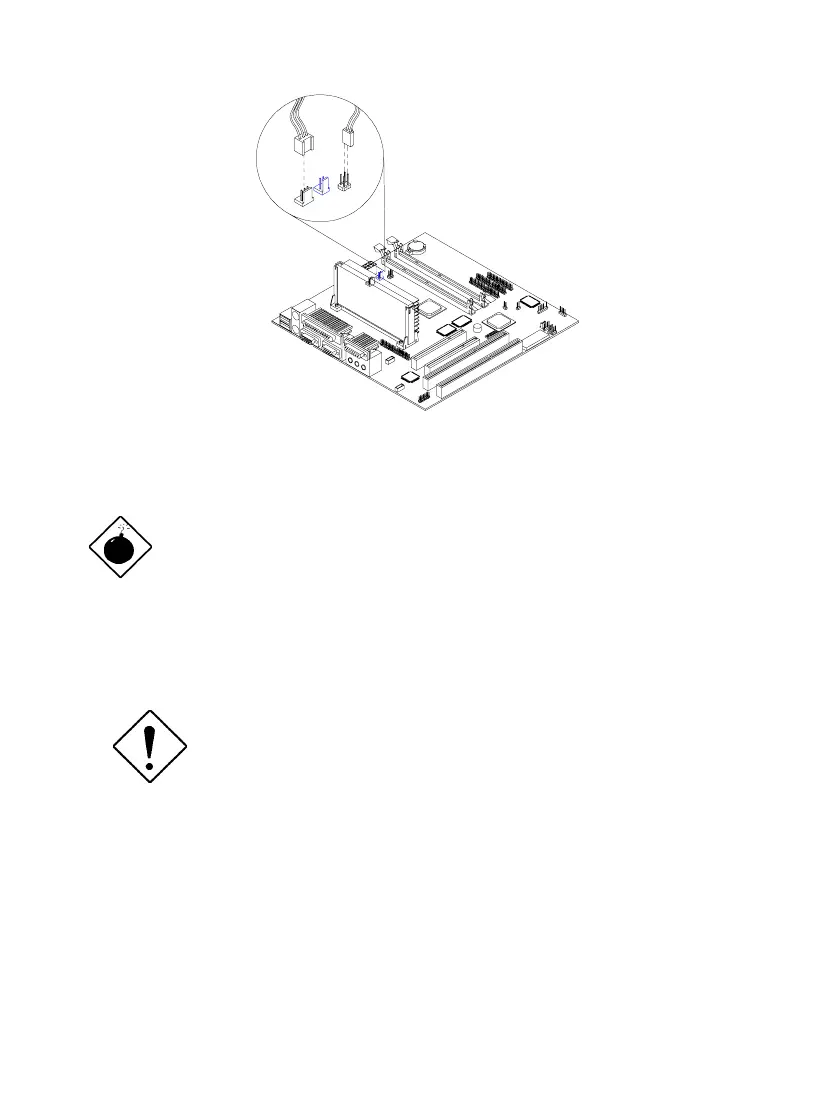
Figure 4-17 Connecting the Fan/Heatsink Cables
The heatsink becomes very hot when the
system is on. NEVER touch the heatsink with
any metal or with your hands.
4.5.3 Installing the Celeron CPU
Observe the ESD precautions when installing or
removing a system component. See section 4.1.1
Before you proceed, make sure that there is no processor installed in the CPU
connector.
Follow these steps to install a Celeron processor:
1. Place the retention mechanism over the CPU connector on the system board
and press it until it clicks into place.













 To Next Page