Chapter 2 - System Board 2-11
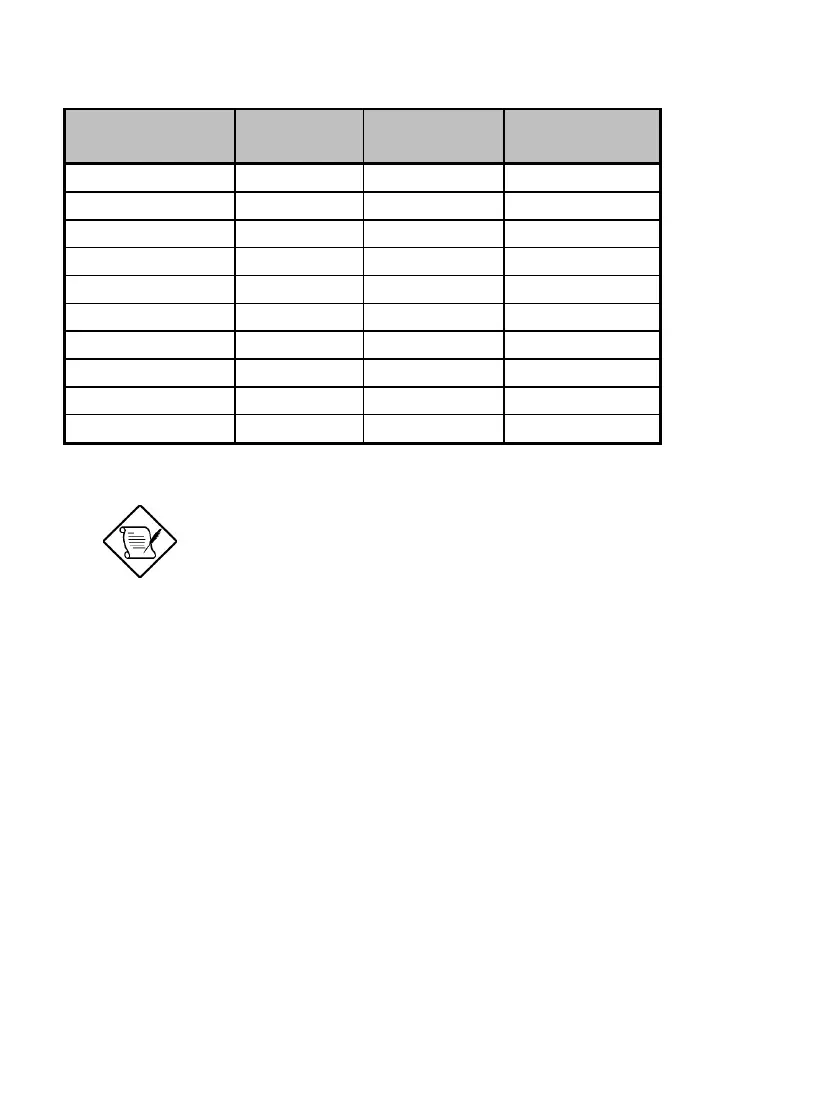
Table 2-4 Supported Video Resolutions (continued)
Resolution bpp Vertical Freq.
(Hz)
Horizontal
Freq. (KHz)
1280 x 1024 8/16/24 75 80.0
1280 x 1024 8/16 85 91.2
1280 x 1024 8/16 90 96.2
1280 x 1024 8/16 100 106.7
1600 x 1200 8/16 52 68.0
1600 x 1200 8/16 58 75.0
1600 x 1200 8/16 60 76.2
1600 x 1200 8/16 66 82.7
1600 x 1200 8/16 72 89.7
1600 x 1200 8/16 75 93.8
You may disable the onboard video function
in the BIOS Utility. For more details on
BIOS, see Chapter 3.
2.6 Audio Function
The board provides a complete 3-D audio solution via the onboard 3-D video
controller and the following audio connectors:
• Mono microphone port
• Stereo line-in port
• Stereo line-out port
• Game/MIDI port
• CD-in connector













 To Next Page