AcerPower 6000 User’s Guide4-20
4.6 Connecting USB Devices
The USB ports on the rear panel enable the system to support additional serial
devices without using up your system resources.
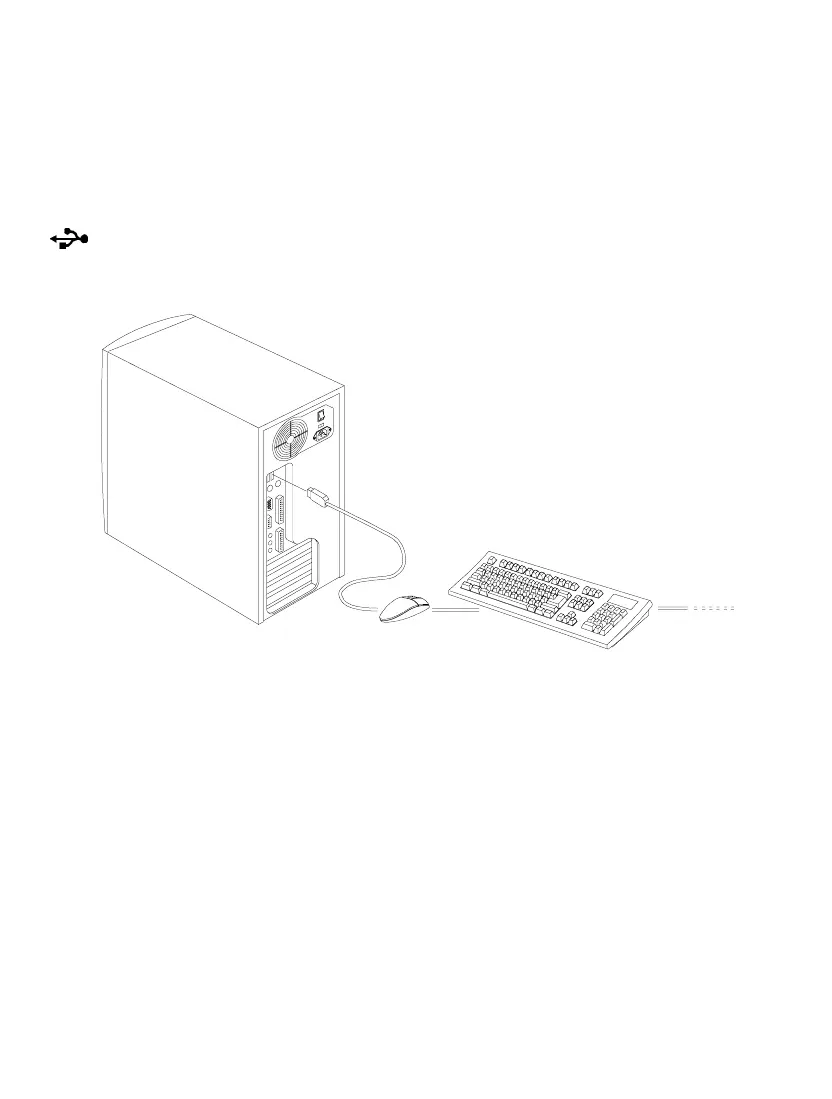
To connect a USB device, simply plug the device cable into a USB port marked
on the rear panel. See the following figure:
Figure 4-21 Connecting USB Devices
Most USB devices have a built-in USB port which allows you to daisy-chain other
devices.













 To Next Page