Chapter 4 - Installing Optional Components 4-15
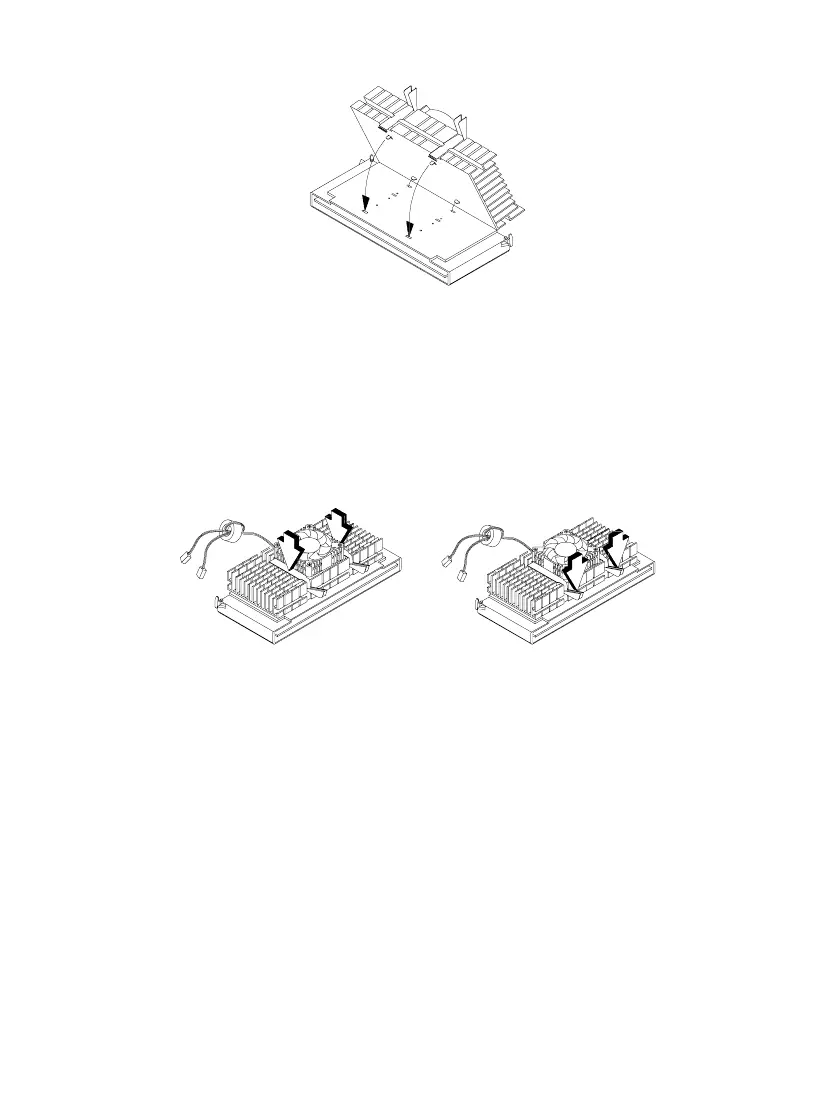
Figure 4-13 Inserting the Clip Ends into the Processor Holes
6. Using your fingers, push down the metal bracket until it clicks into the CPU
cartridge and then push the metal bracket’s handle to lock the metal bracket
into place.
Figure 4-14 Locking the Metal Bracket
7. With the processor card golden fingers pointing downward, align the
processor to the posts of the retention mechanism.
8. Lower the processor into to the CPU connector on the system board until the
golden fingers touch the connector.













 To Next Page