AcerPower 6000 User’s Guide4-16
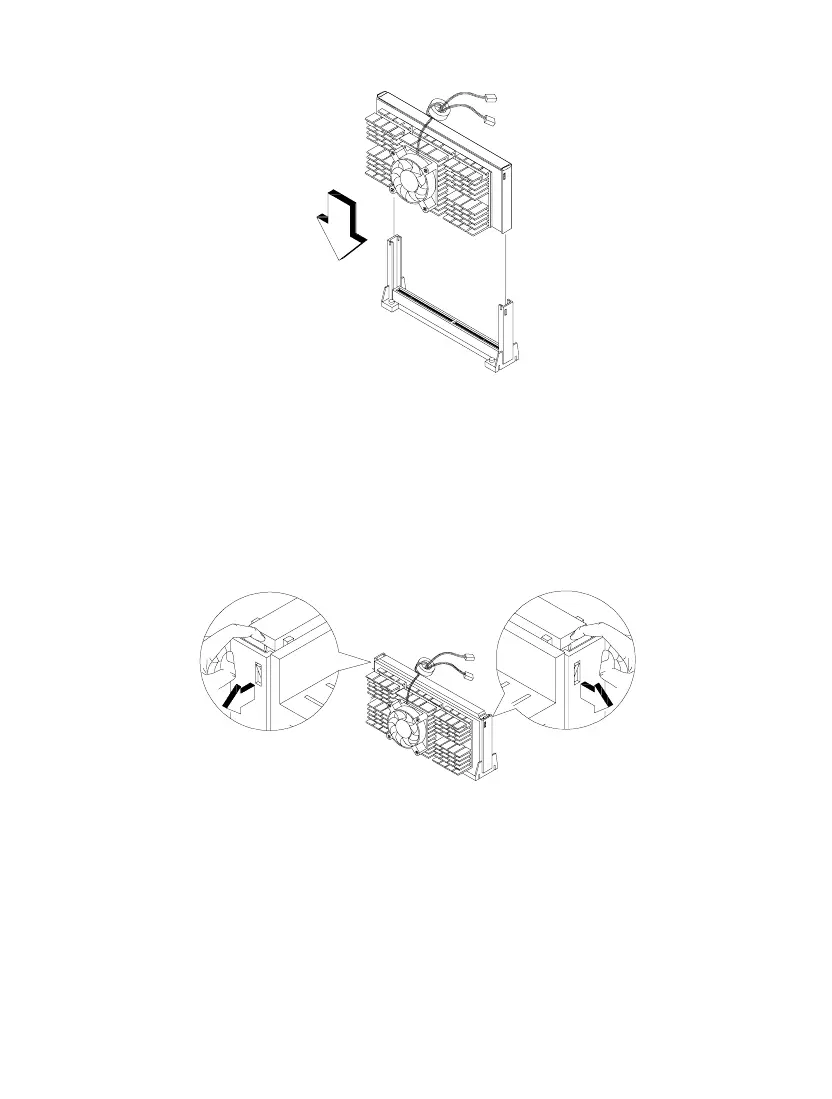
Figure 4-15 Installing a Processor Card
9. Press down the processor until the golden fingers completely fit into the
connector and the latches on the sides lock the processor into place.
Figure 4-16 Locking the Processor
10. Connect the 3-pin and 2-pin fan/heatsink cables to FN1 and pins 3-4 of JP2401
on the system board, respectively.













 To Next Page