AcerPower 6000 User’s Guide3-2
3.1 Entering Setup
To enter Setup, press the key combination + + .
You must press
simultaneously
while the system is booting. This key combination
does not work during any other time.
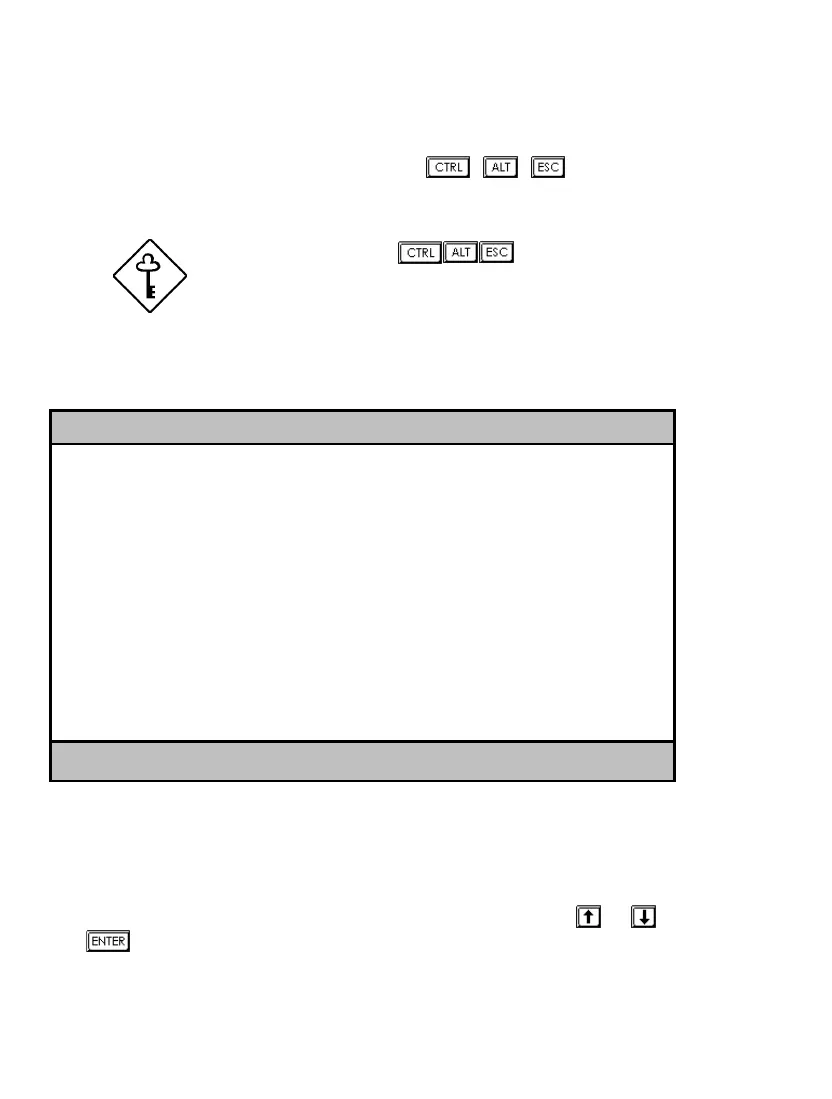
The Setup Utility main menu then appears:
Setup Utility
• System Information
• Product Information
• Disk Drives
• Onboard Peripherals
• Power Management
• Boot Options
• Date and Time
• System Security
Load Default Settings
Abort Settings Change
↑↓ = Move highlight bar, ↵
= Select, Esc = Exit
The command line at the bottom of the menu tells you how to move within a
screen and from one screen to another.
•
To select an option, move the highlight bar by pressing
or then press
.













 To Next Page