Chapter 4 - Installing Optional Components 4-13
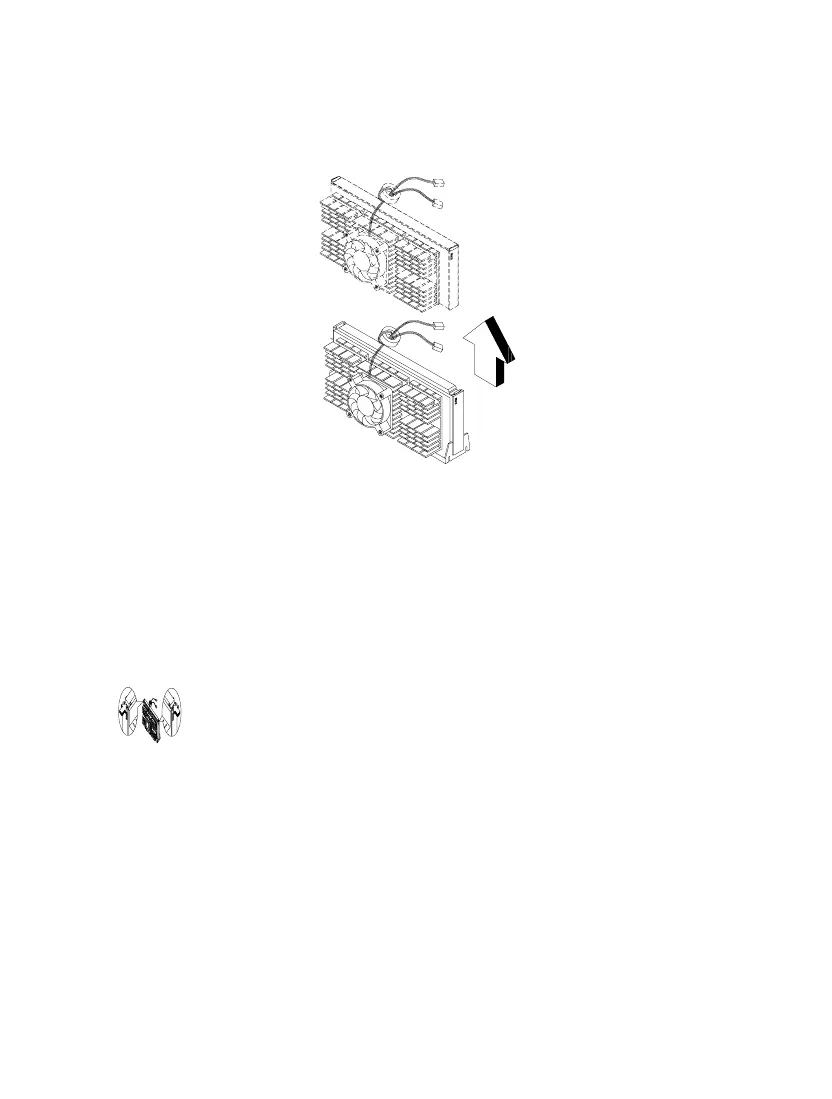
2. Pull the processor to totally detach it from the CPU connector.
Figure 4-10 Removing a Processor Card
4.5.2 Installing a Processor Card
Observe the ESD precautions when installing or
removing a system component. See section 4.1.1
Before you proceed, make sure that there is no processor installed in the CPU
connector.
Follow these steps to install a processor card:
1. Place the retention mechanism over the CPU connector on the system board
and press it until it clicks into place.













 To Next Page