Chapter 1 - Getting Started 1-7
1.3.4 Connecting the Printer (Optional)
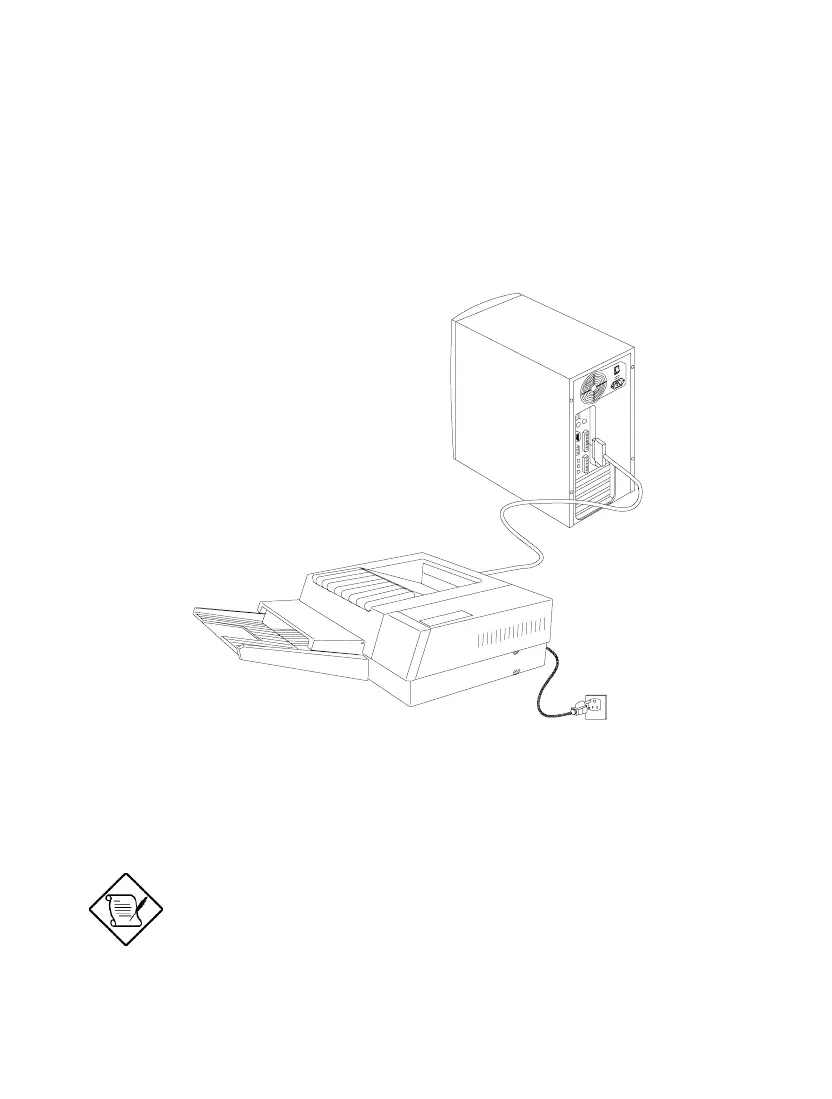
If you have a parallel printer, connect it to the parallel port on the rear panel. See
Figure 1-6.
Figure 1-6 Connecting the Parallel Printer
If you have a serial printer or other serial
peripheral, connect it to the serial port
(COM1).













 To Next Page