Chapter 4 - Installing Optional Components 4-11
4.4.2 Removing a DIMM
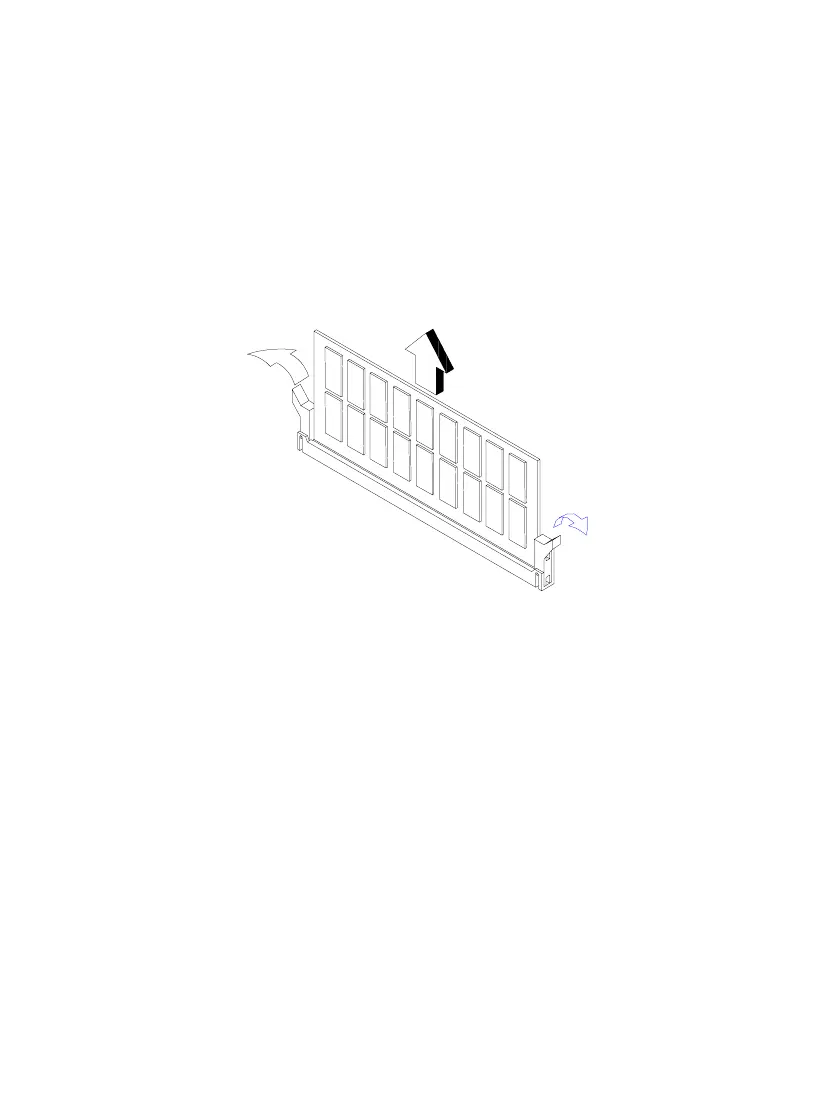
1. Press the holding clips on both sides of the socket outward to release the
DIMM.
2. Gently pull the DIMM out of the socket.
Figure 4-8 Removing a DIMM
4.4.3 Reconfiguring the System
The system automatically detects the amount of memory installed. Run Setup to
view the new value for total system memory and make a note of it.













 To Next Page