AcerPower 6000 User’s Guide1-8
1.3.5 Complete System Connections
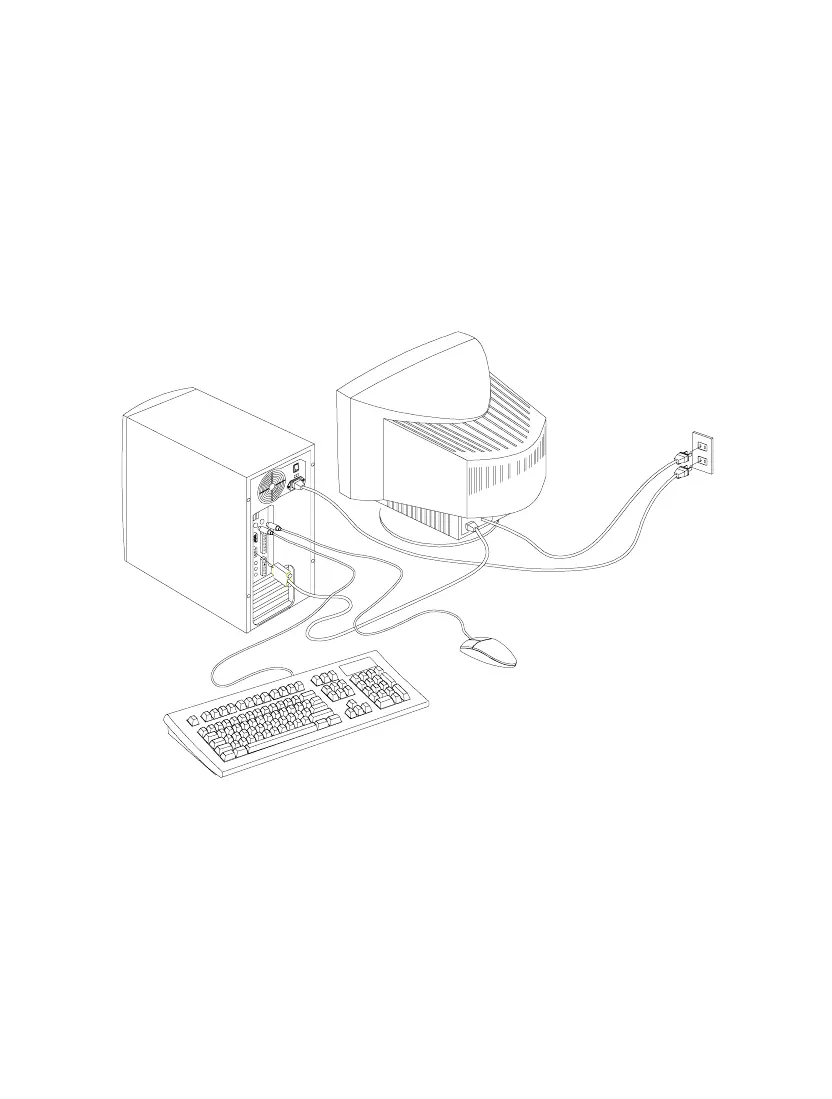
After connecting all the components, plug one end of the power supply cable into
the system power socket. Plug the other end of the power supply cable into a wall
outlet. Figure 1-7 shows the complete system connections.
Figure 1-7 Complete System Connections













 To Next Page