AcerPower 6000 User’s Guide3-8
3.4 Disk Drives
Select Disk Drives from the main menu to configure the drives installed in your
system.
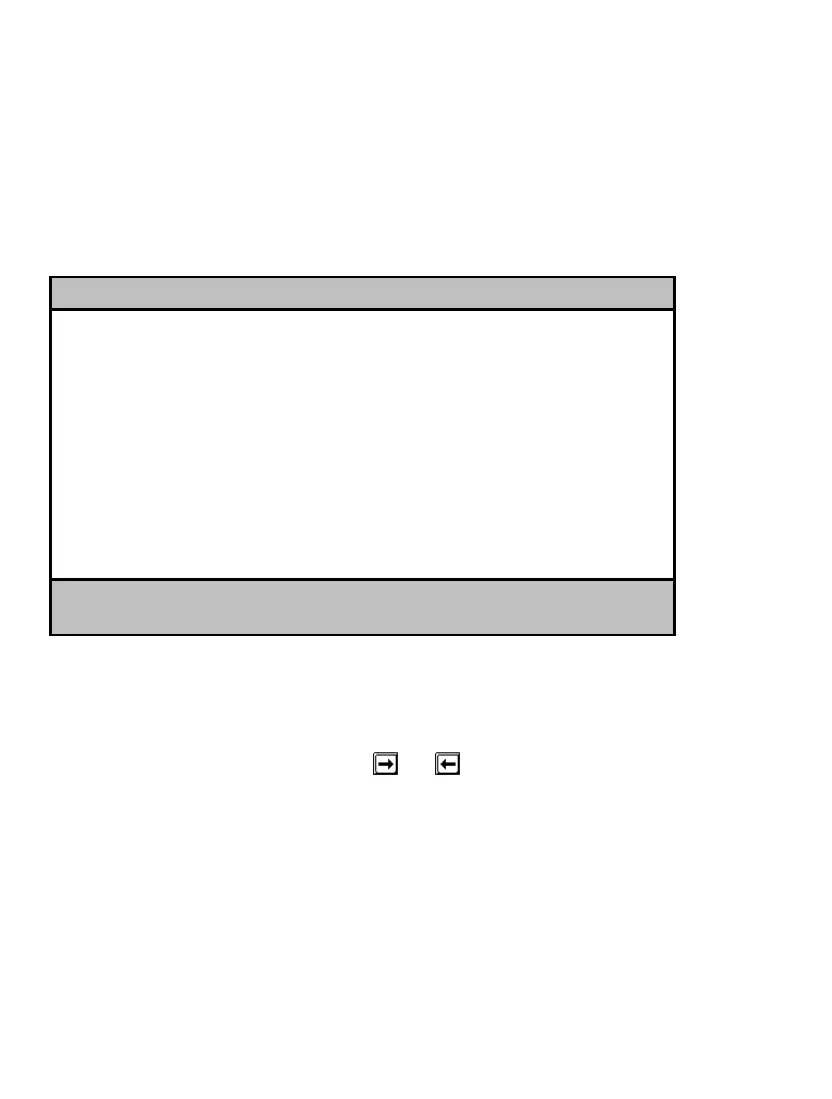
The following screen shows the Disk Drives menu:
Disk Drives Page 1/1
Floppy Drive A ........... [xx-MB xx-inch]
Floppy Drive B ........... [xx-MB xx-inch]
LS-120 drive as ........... [ Normal ]
• IDE Primary Channel Master
• IDE Primary Channel Slave
• IDE Secondary Channel Master
• IDE Secondary Channel Slave
↑↓ = Move Highlight Bar F1 = Help
Esc = Exit → ← = Change Setting,
3.4.1 Floppy Drives
To enter the configuration value for the first floppy drive (drive A), highlight the
Floppy Drive A parameter. Press
or to view the options and select the
appropriate value.
Possible settings for the Floppy Drive parameters are:
•
[ None ]
•
[360 KB, 5.25-inch]
•
[1.2 MB, 5.25-inch]













 To Next Page