Chapter 4 - Installing Optional Components 4-5
4.2.2 Replacing the Housing Cover
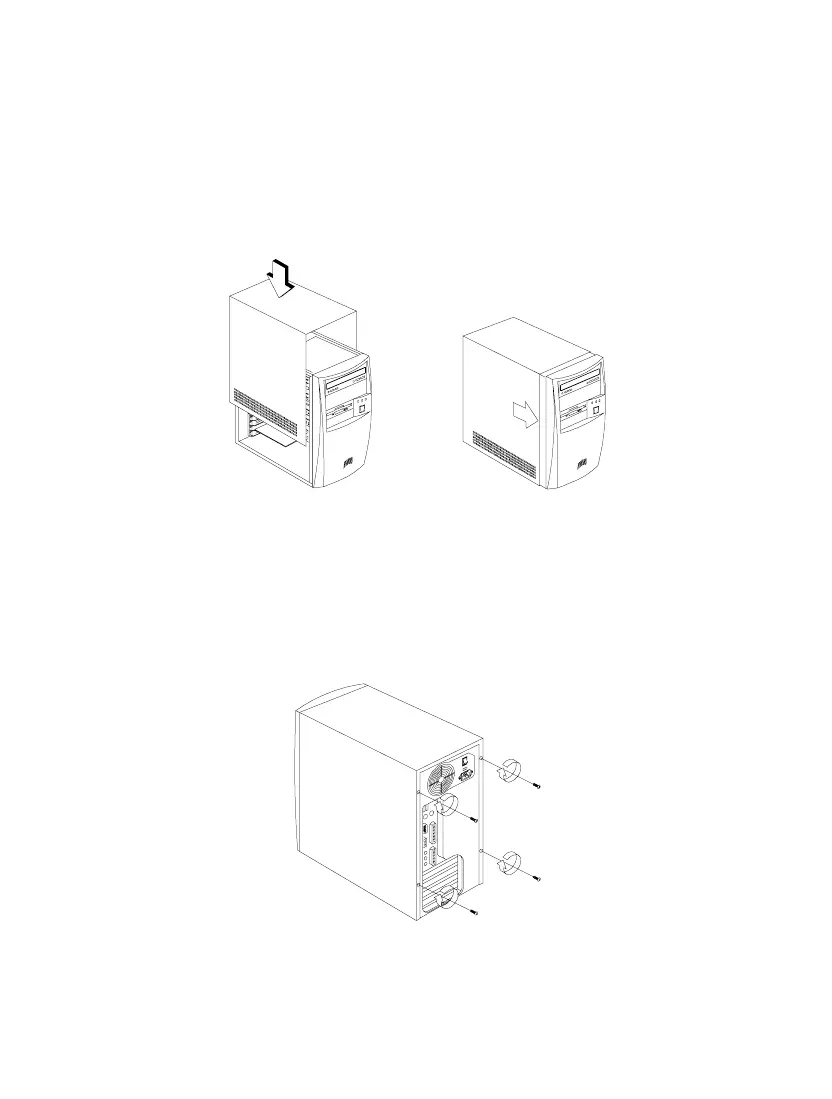
1. Replace the housing cover as shown in Figure 4-3.
Figure 4-3 Replacing the Housing Cover
2. Secure the housing cover with the necessary screws.
Figure 4-4 Securing the Screws













 To Next Page