AcerPower 6000 User’s Guide3-26
You cannot enter the BIOS utility if a Setup
password does not exist and switch 1 of SW1 is
set to
Off
(password check enabled).
By default, switch 1 of SW1 is set to
On
(bypass
password).
2.
Enter the BIOS utility and select System Security.
3.
Highlight the Setup Password parameter and press
or . The following
screen appears:
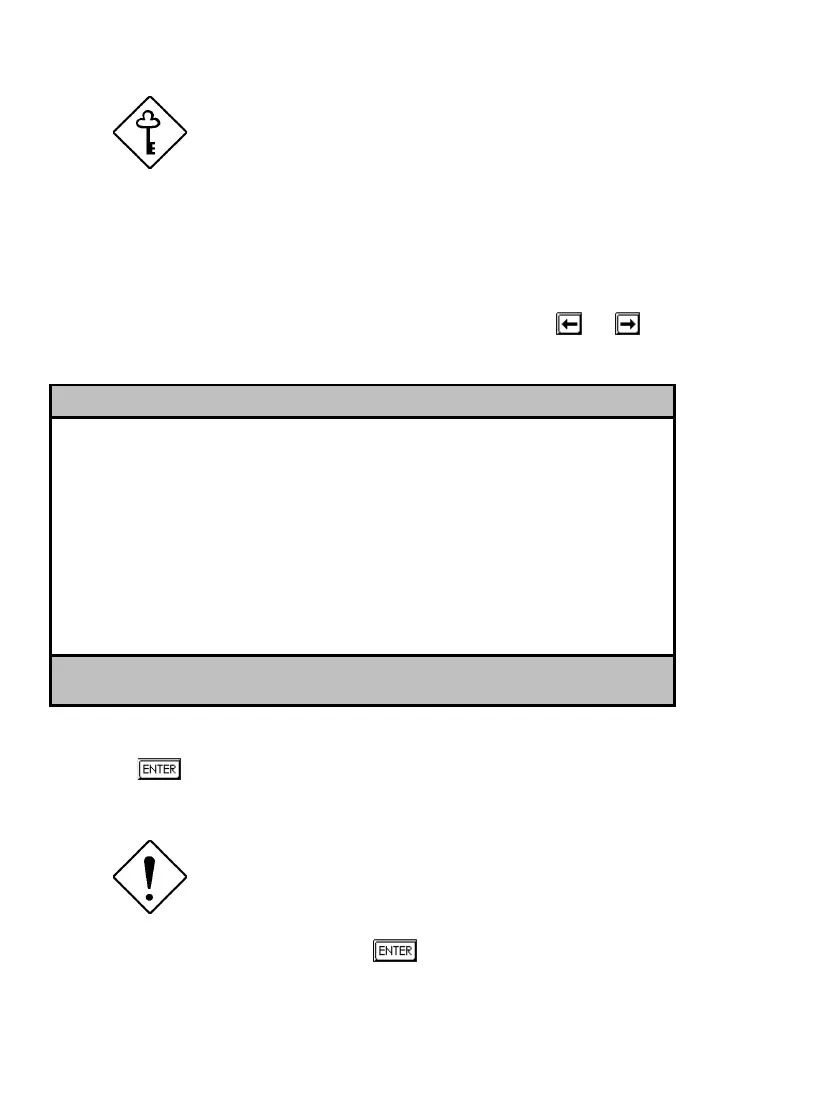
Setup Password
Enter your new Password twice. Password
may be up to 7 characters long.
Enter Password..................[XXXXXXX]
Enter Password again............[XXXXXXX]
Set or Change Password
4.
Type a password. The password may consist of up to seven characters. Then
press
.
Be very careful when typing your password
because the characters do not appear on the
screen.
5.
Retype the password then press
.













 To Next Page