22 System functions and displays
fabian HFO | SW 5.1.x
Ref: 113003.EN / Date 2020-02-10
The keypad features two rows of buttons with various functions.
menu / Calibration
Used to access the Configuration and Calibration menus.
Press once to open the Configuration menu;
Press again to open the Calibration menu.
Nebulizer
Obsolete function.
O
2
Flush
Used to start O
2
Flush. Flush concentration and time can be preset from the
configuration menu.
Start / Stop
Used to temporarily stop or commence respiration. During mechanical
ventilation this provides a two minute pause in ventilation. In nCPAP, DUOPAP
and O
2
Therapy modes this acts as a Standby mode (therapy is disabled until
re-enabled by the operator).
ON / OFF
Used to switch the device ON or OFF.
The Rotary Push knob combines a push button with a rotary knob for
executing various settings, selections and confirmation options.
4.2 Display concept structure
4.2.1 Display areas
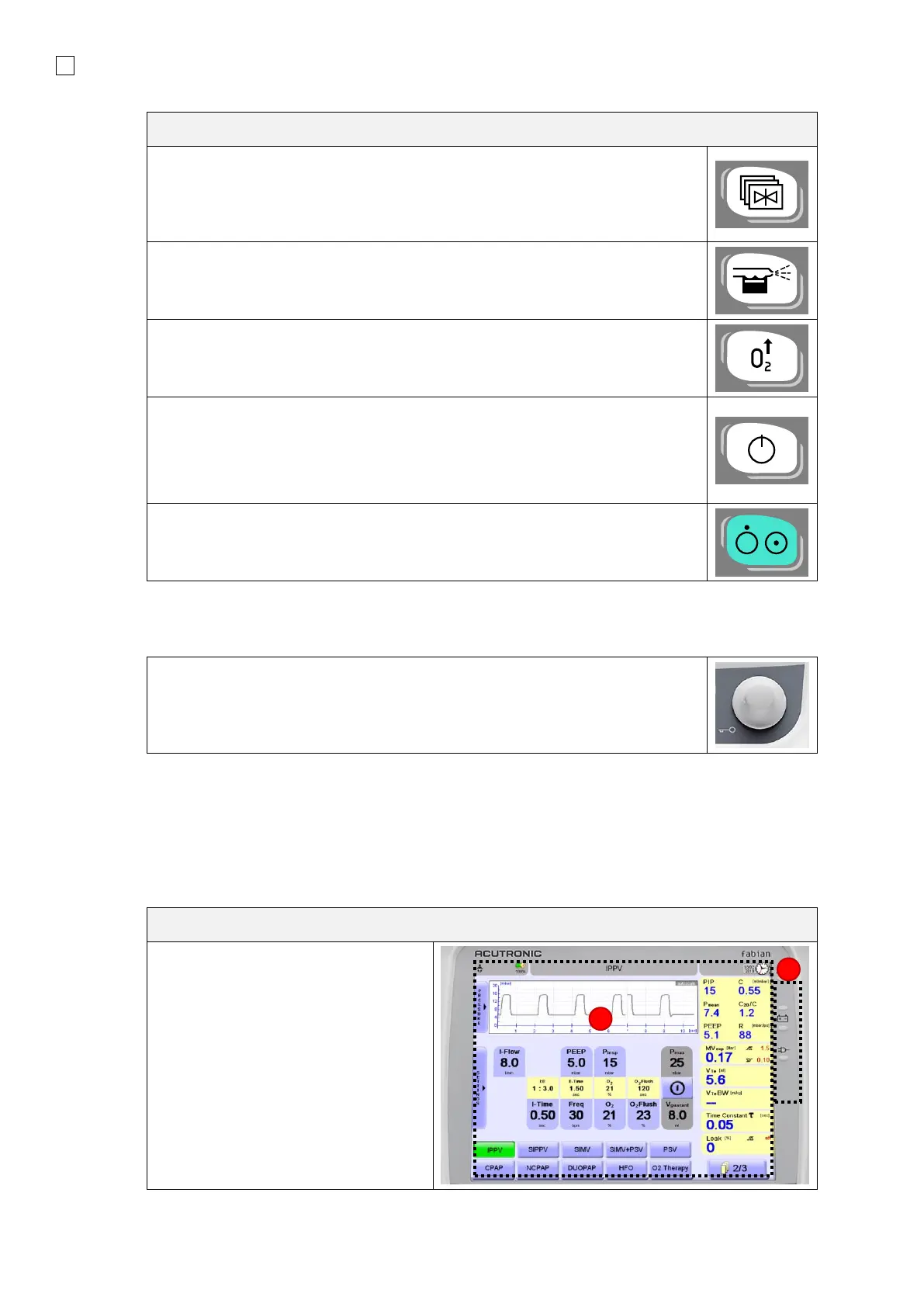
The information system features two key display areas
1. The Touch screen
2. LED indicators


 To Next Page
 Loading...


