EasyManua.ls Logo

ACUTRONIC fabian HFO - Curves

ACUTRONIC fabian HFO
176 pages
Print Icon
To Next Page IconTo Next Page
To Previous Page IconTo Previous Page
Loading...
System functions and displays 33
fabian HFO | SW 5.1.x
Ref: 113003.EN / Date 2020-02-10
4.4.1 Curves
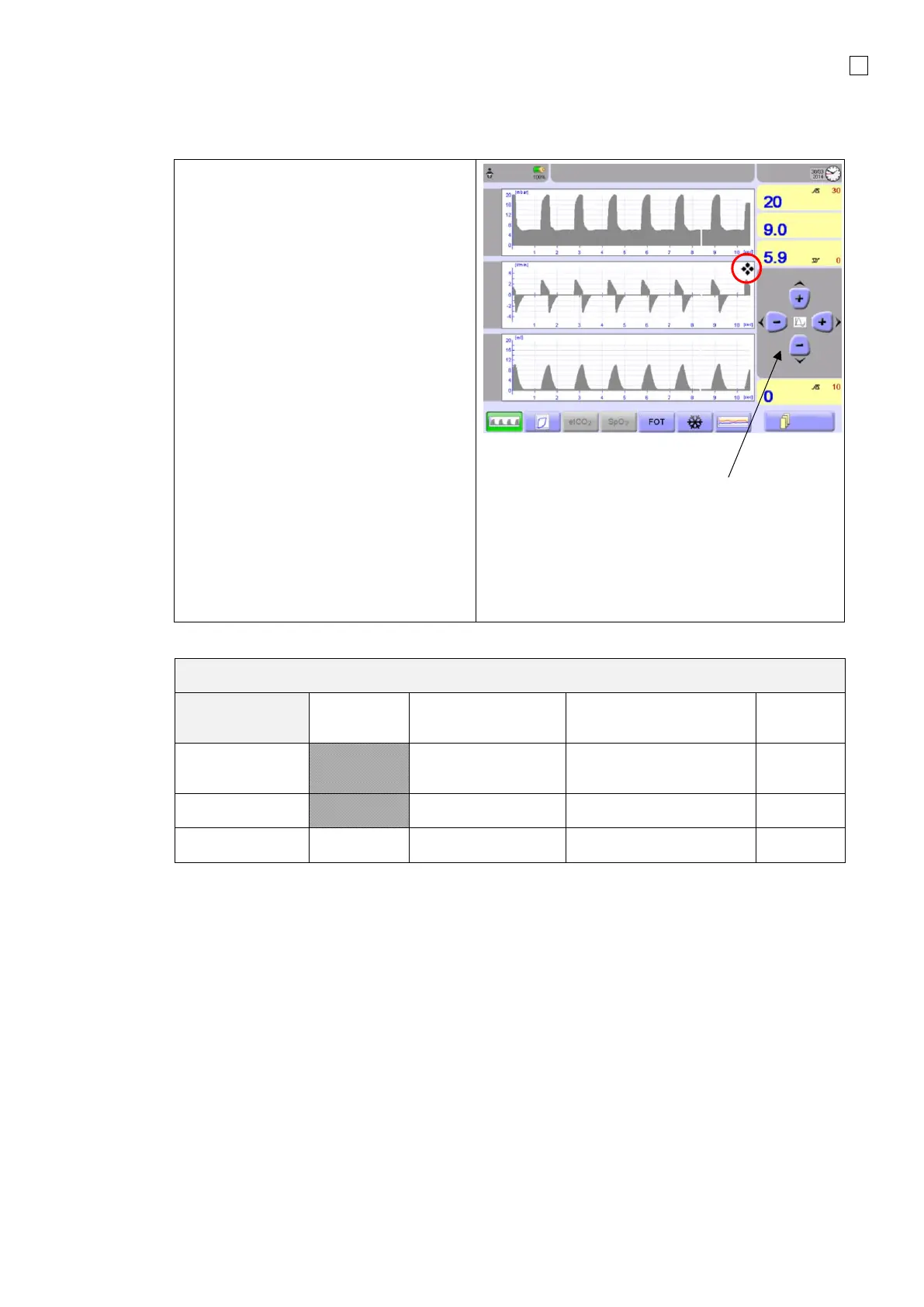
The Graphics menu shows the following
curves:
Pressure
Flow
Volume
When auto-scaling of graphics is
switched OFF, the graph can be adjusted
manually:
1. Select desired graph.
2. Press the graph.
3. The selected graph is marked with
the “Cursor” symbol and the
Scaling cursor is displayed.
4. Use the cursor to scale the graph in
the X and Y direction.
The cursor disappears if not used within
five seconds, or by tapping the selected
graph again.

Manual scaling mode.
Use the Up and Down
Keys for scaling
Graphics.
The Graphs can be scaled between the following ranges:
O
2
therapy,
DUOPAP
NCPAP
*NIV-trigger Option
IPPV, SIPPV, SIMV,
SIMV+PSV, PSV, CPAP
HFO
Volume [ml]
2 to 60*
2 to 60 (NEO),
2 to 300 (PED)
2 to 80
Flow [l/min ]
2 to 80*
2 to 80
2 to 80
Pressure [mbar]
10 to 20
10 to 20
10 to 100
0 to 200

Table of Contents

Related product manuals