59 7 Alarms
fabian Therapy evolution | SW V5.1.x
Ref: 121003.EN / Date: 26Jan2021
If there is no accompanying audible alarm, follow these steps:
1. Stop interacting with the device
2. Prepare an alternative treatment for the patient while the device is kept under supervision
3. Start ventilation of patient with an alternative treatment
4. Shut down the device.
5. Report the incident to your local distributor
6. Use the device only if it is inevitable
7.4.4 Watchdog alarms
There is a watchdog circuit, which monitors for failures of the following components:
• NetDCU (responsible for the graphical user interface WDST#4 error)
• Control PIC (responsible for control of ventilation WDST#16 error)
• Monitor PIC (responsible for monitoring functions WDST#32 error)
• Alarm PIC (responsible for alarm audible indication and lamps WDST#64 error)
In case of a failure, the watchdog opens the pressure relief valves and stops power to the blender
module to prevent and ⁄or relieve pressure in the patient circuit while alarming.
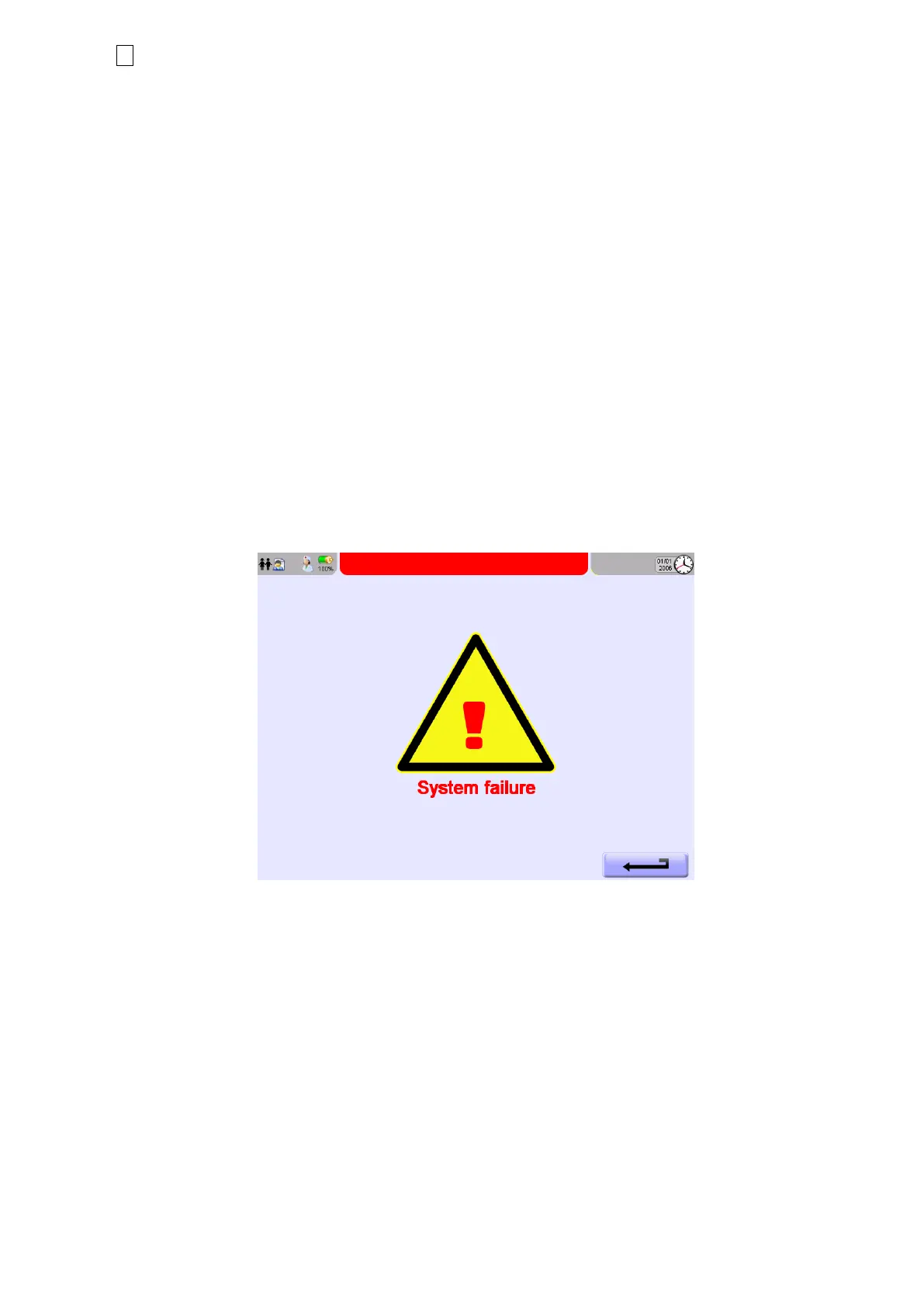
Figure 7-4: System failure screen
In case of occurrence, follow these steps:
1. Immediately start ventilation of patient with an Alternative Ventilation method
2. Shut down the device.
3. Report the incident to your local distributor
4. Use the device only if it is unavoidable
In case a WDST 4/16/32/64 error is resolved (was only a temporary error) WDST#8 will be
triggered and displayed and the device can be further used.
NOTE
: WDST#8 is not an alarm and only shows that all watchdogs are working correctly.



 To Next Page