Chapter 11: Monitoring Your Storage Space ● 107
If the test fails:
a Ensure that the receiving system is powered on and running
Adaptec Storage Manager.
b Open the receiving system’s System Properties window (see
Step 3 on page 107) and double-check the TCP/IP address and
port number.
c Try sending the test event again.
Managing the Event Notification List
This section describes how to manage systems in the Notification List:
● To add a system to the
Notification List
, see page 104.
● To modify a system’s connection information, see page 107.
● To remove a system from the
Notification List
, see page 108.
Modifying a System’s Address or Host Name
If the TCP/IP information or host name of a system changes, update its
properties in the Notification Manager.
Note: Does this system receive event notifications from more than one
other system? Ensure you enter the updated information in the
Notification Manager of all affected systems.
To modify system information:
1 Open the Notification Manager. (See page 104.)
2 In the Notification List, click on the system you want to modify.
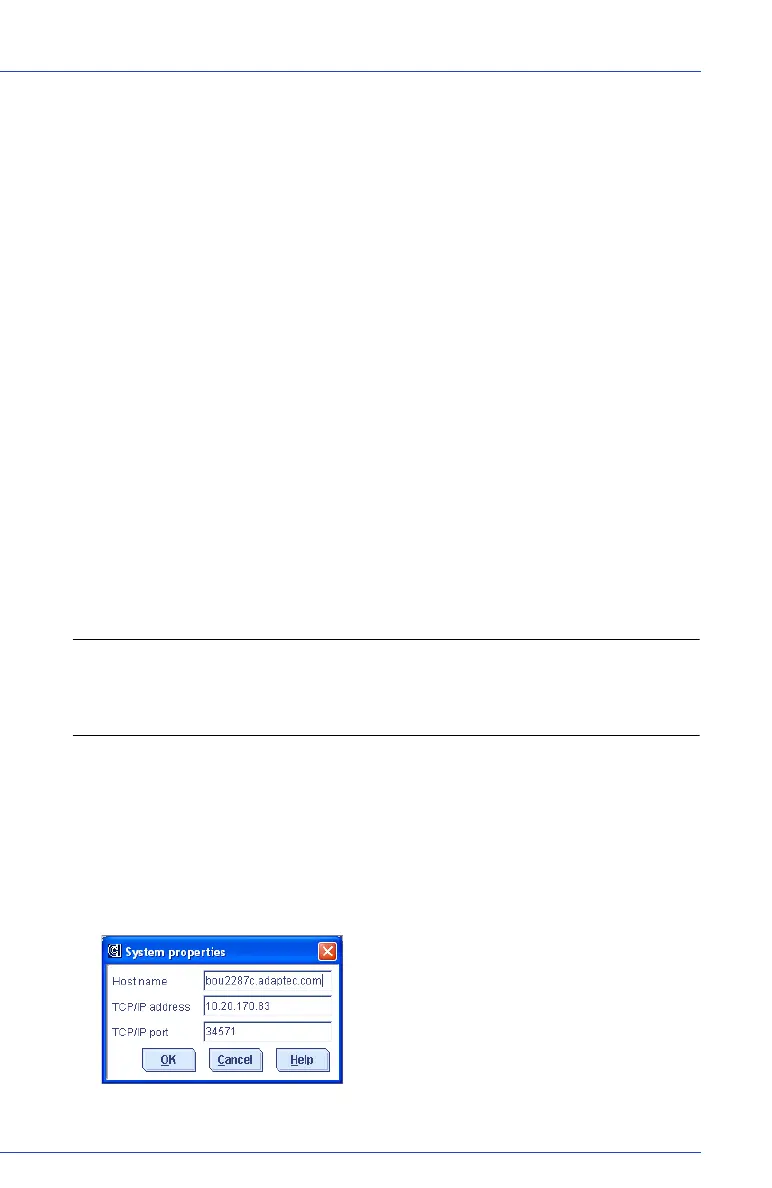
3 In the System Properties window, enter the new information, then
click OK.
The Notification List shows the modified information.



 To Next Page