Chapter 15: Managing Controllers and Disk Drives ● 141
Viewing Controller Properties
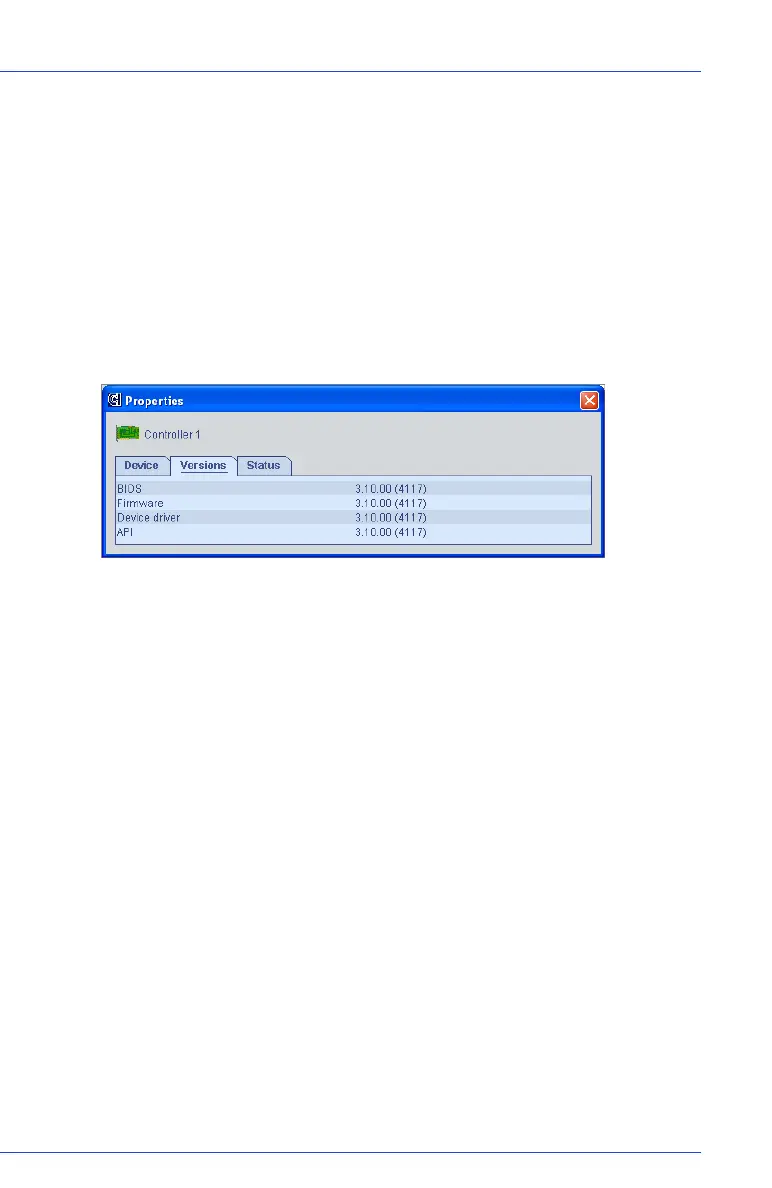
You can open a Properties window for any controller in your storage
space to view model and status information, including the firmware
version number.
To view controller properties:
1 In the Enterprise View, click the controller.
2 In the menu bar, select Actions, then click Properties.
The Properties window for the controller opens.
3 Click the tabs to view all available information.
4 Click the X in the upper-right corner to close the window.
Saving Your Controller Configuration
If you require a record of your controller configurations, you can use
Adaptec Storage Manager to create a text file with this information
about all controllers on a selected system:
● Controllers
● Disk drives
● Disk drives used in logical drives
● Logical drives
To save a system’s controller configurations:
1 In the Enterprise View, click the local or remote system.



 To Next Page