Step 3: Exploring Adaptec Storage Manager ● 43
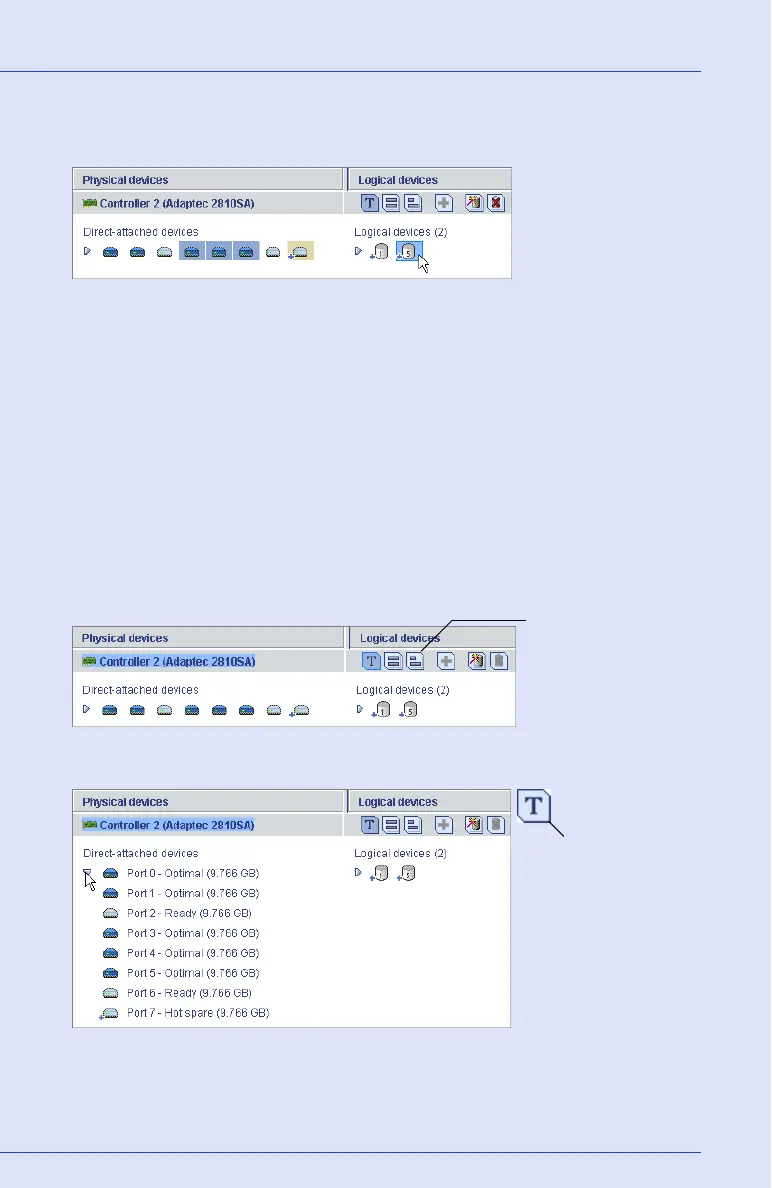
Click on a logical drive to highlight the disk drives that comprise it in
the Physical Devices View.
You can also click on any disk drive to see which (if any) logical drive it
belongs to. A disk drive shaded in light blue is not part of any logical
drive.
Revealing More Disk Drive Information
You can reveal more information about your disk drives by using the
View buttons to change how they are displayed.
By default, disk drives are displayed in unexpanded Text Description
View, as shown below.
Click the expand arrow to see basic disk drive information.
hree disk drives (plus one hot spare) comprise the
elected RAID 5 logical drive.
View buttons
Text Description View
button



 To Next Page