Step 3: Exploring Adaptec Storage Manager ● 44
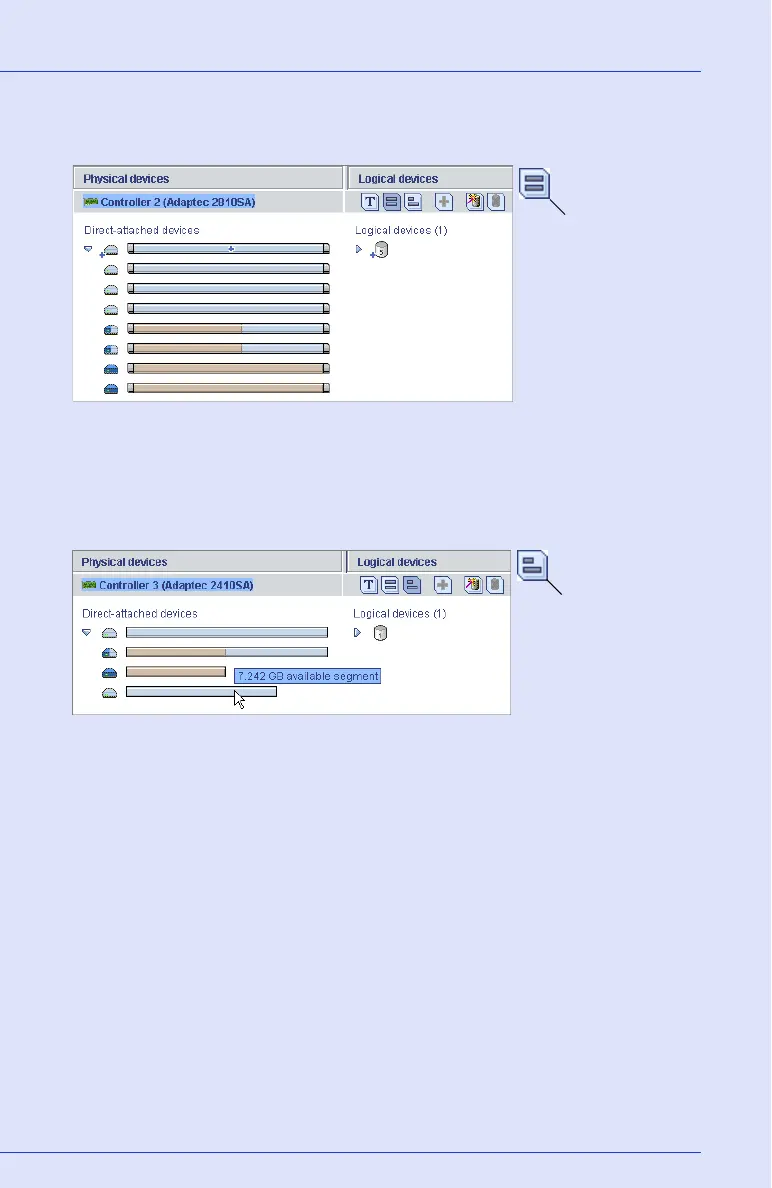
Click the Full Size Capacity View button to see the size capacities of
your disk drives, as shown below.
Disk drives or segments of disk drives that are included in logical drives
are shaded brown.
Click the Relative Size Capacity View button to see the size capacities of
your disk drives relative to each other, as shown below.
A full length bar is displayed for the largest disk drive. Proportionally
shorter bars are displayed for other disk drives.
Full Size Capacity
View button
Relative Size Capacity
View button



 To Next Page