Appendix A: Configuring SNMP Support ● 154
Configuring SNMP Support on Windows
Note: Be sure your Windows installation includes SNMP support. By
default, Windows 2000 and Windows XP do not install SNMP.
To install and configure SNMP support:
1
Run the Adaptec Storage Manager installation program (see page 25).
2 When prompted, select Yes, install SNMP support.
3 Follow the on-screen instructions to complete the installation, then
restart your computer.
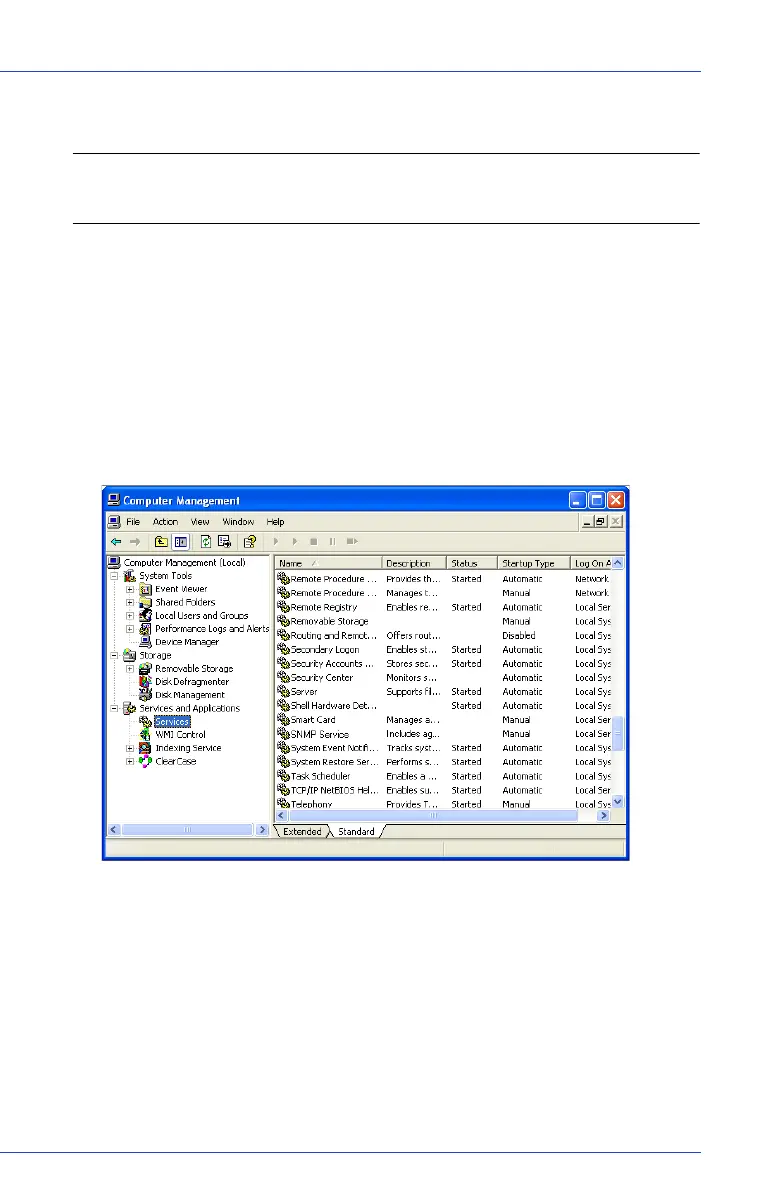
4 Open the Windows Computer Management tool, then select
Services from the tree.
5 Double-click SNMP Service.
The SNMP Service Properties window opens.
6 Click the Trap s tab, then enter the IP address of each computer on
which you want to enable traps.
7 Click OK.
8 Start the SNMP service.



 To Next Page