Chapter 15: Managing Controllers and Disk Drives ● 140
Rescanning a Controller
After you connect a disk drive to or remove a ‘Ready’ (non-failed) disk
drive from a controller, Adaptec Storage Manager may not recognize
the change until it rescans the controller.
To rescan a controller:
1 In the Enterprise View, click the controller.
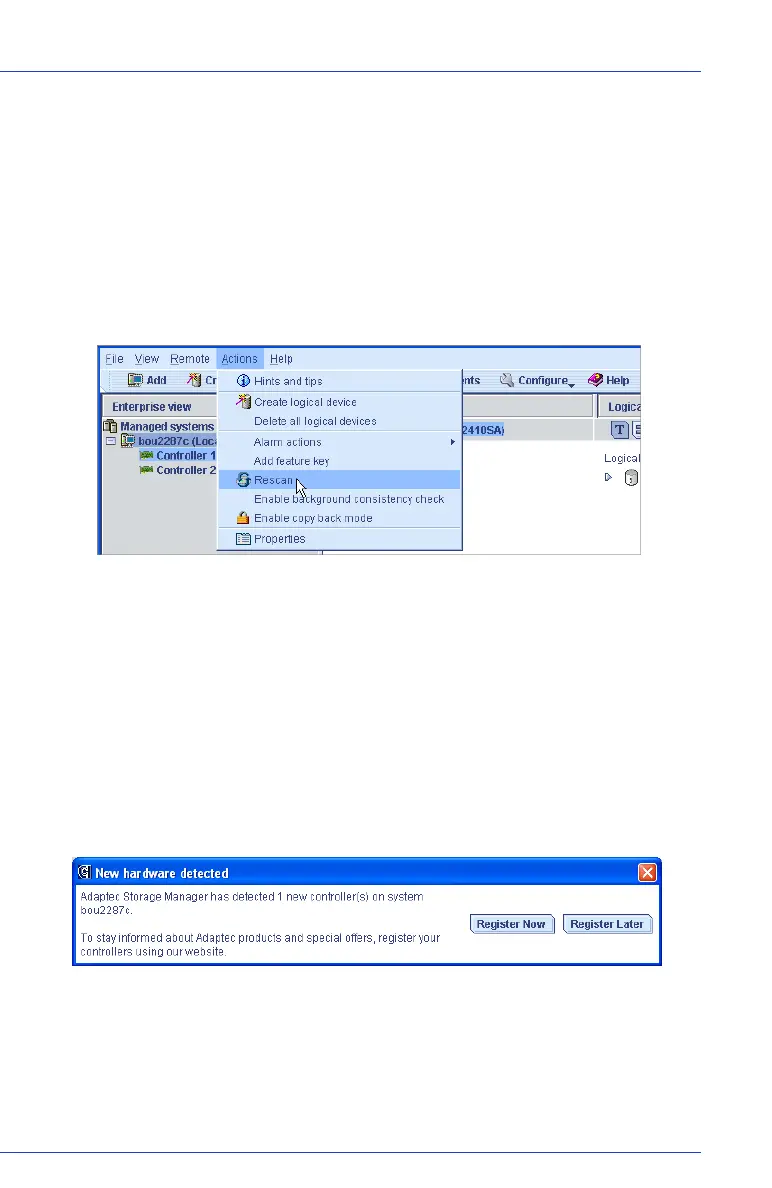
2 In the menu bar, select Actions, then click Rescan.
Adaptec Storage Manager scans all the channels or ports on the
controller you selected.
When the scan is complete, a report appears.
3 Click Done after you have reviewed the scan report.
Registering New Controllers
When you log in to Adaptec Storage Manager, it searches for new
controllers in your storage space. If it detects a new controller, you are
prompted to register it.
To stay informed about Adaptec products and special offers, register
your controllers by clicking Register Now.
Follow the on-screen instructions to complete the registration.



 To Next Page