Chapter 15: Managing Controllers and Disk Drives ● 142
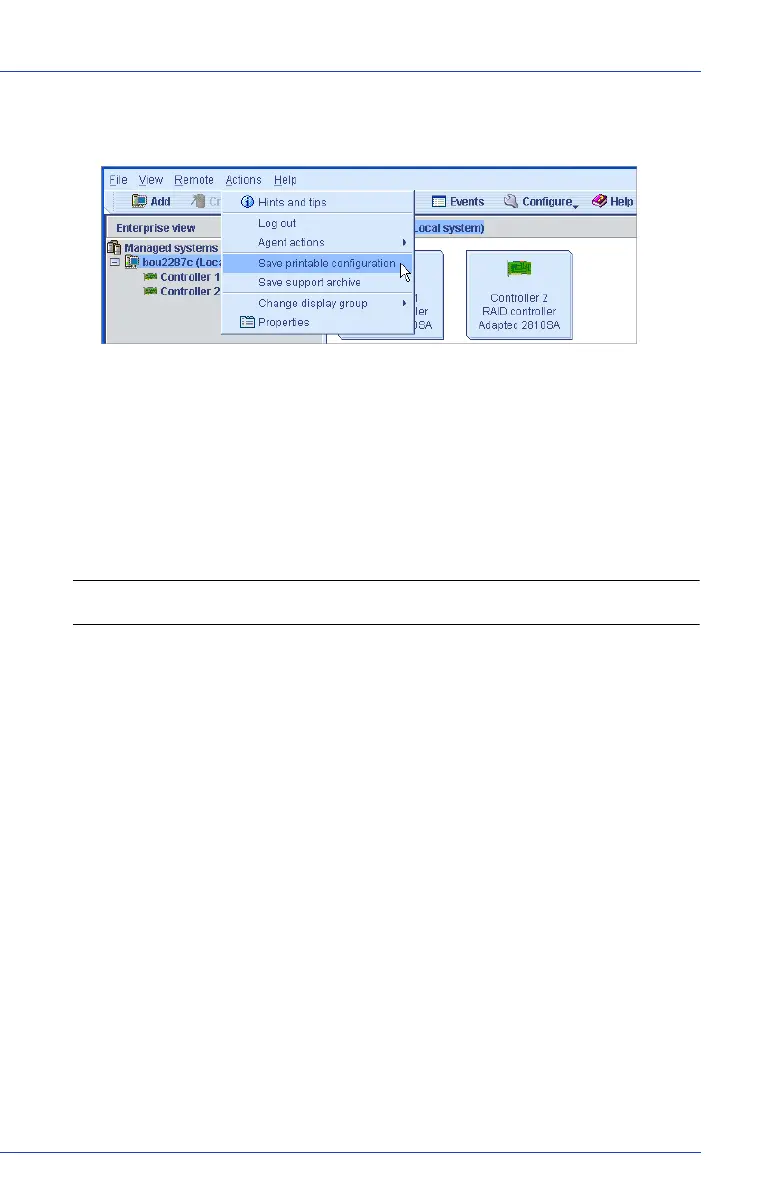
2 In the menu bar, select Actions, then click Save printable
configuration.
3 In the Save window, browse to the directory you want, then enter a
file name for the report. (The default directory is the directory in
which the Adaptec Storage Manager is installed. The default file
name is
RaidCfg.log
.)
A text-file report is saved.
Updating Controller BIOS and Firmware
Note: This task is recommended for advanced users only.
Adaptec Storage Manager provides a wizard to help you update the
BIOS and firmware for the controllers in your storage space. The ROM
Update wizard updates the BIOS and firmware for all controllers of the
same type on local and remote systems. You can update one type of
controller at a time.
Before You Begin
Before you begin, download the latest firmware images from the
Adaptec Web site at
www.adaptec.com
. Image files typically come in sets
of two or more and have a
.ufi
file extension.
Updating the Controller BIOS and Firmware
To update the controller firmware:
1 In the Enterprise View, click Managed systems (shown in the Figure
below).



 To Next Page