Chapter 14: Working with Display Groups ● 136
Viewing Display Group Status
To quickly view the status of systems within a display group, you can
open the display group Properties window.
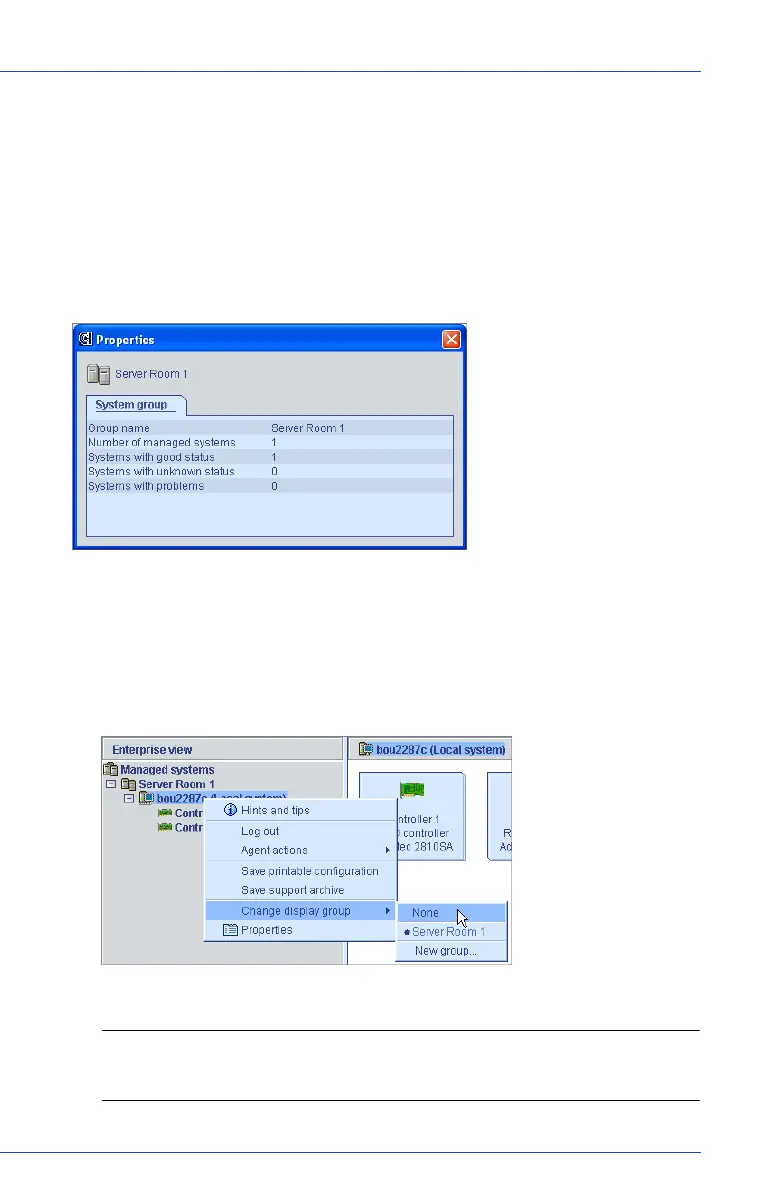
To view display group status, right-click on the system in the Enterprise
View, then click Properties. The Properties window opens for that
display group, summarizing the status of the systems that belong to that
group.
Removing a System from a Display Group
To remove a system from a display group:
1 In the Enterprise View, right-click the system you want to remove.
2 Select Change display group, then click None.
The system is removed from the display group.
Note: Systems that are not part of display groups are listed at the top
of the Enterprise View, above any display groups.



 To Next Page