Chapter 14: Working with Display Groups ● 137
Moving a System from One Display Group to
Another
To move a system from one display group to another:
1 In the Enterprise View, right-click the system you want to remove.
2 Select Change display group, then click the name of the display
group you want.
The system moves to its new display group.
Renaming a Display Group
You can make managing your storage space easier and more efficient by
giving your display groups meaningful names.
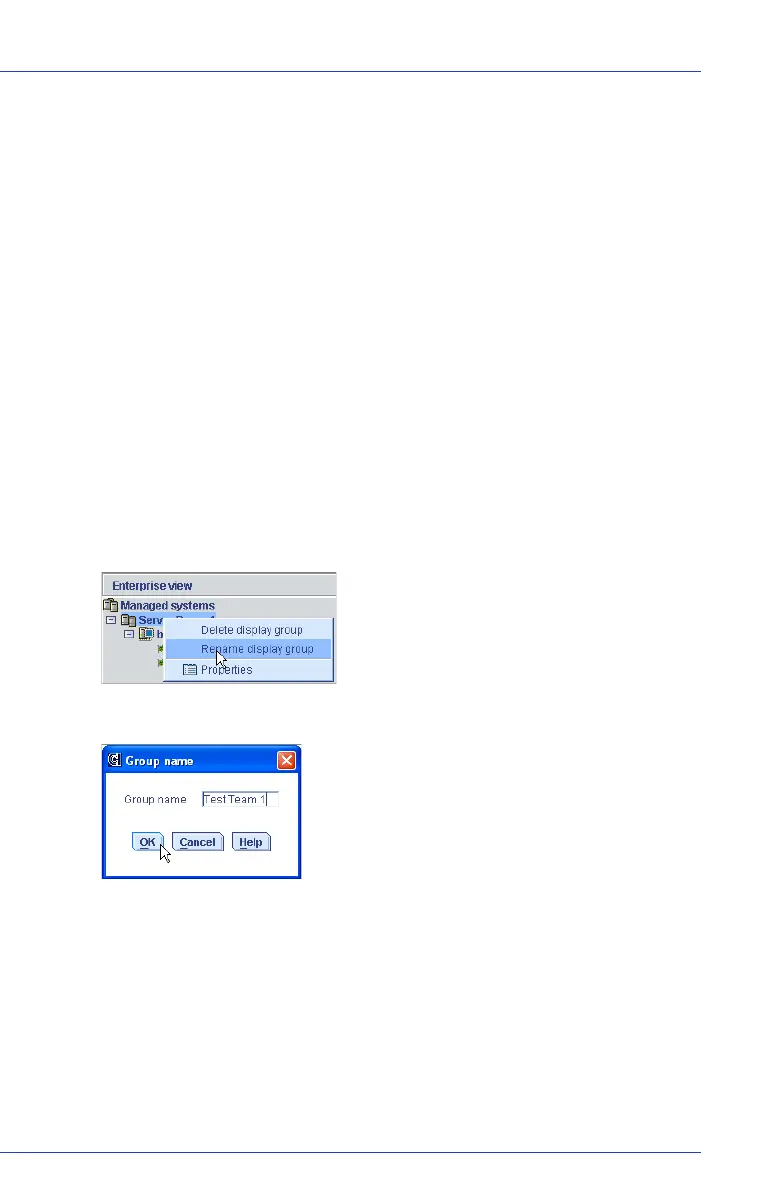
To rename a display group:
1 In the Enterprise View, right-click on the display group, then click
Rename display group.
2 Enter a new name for the display group, then click OK.
The Enterprise View shows the new name of the display group.



 To Next Page