Step 2: Starting Adaptec Storage Manager ● 38
Logging Out of Adaptec Storage Manager
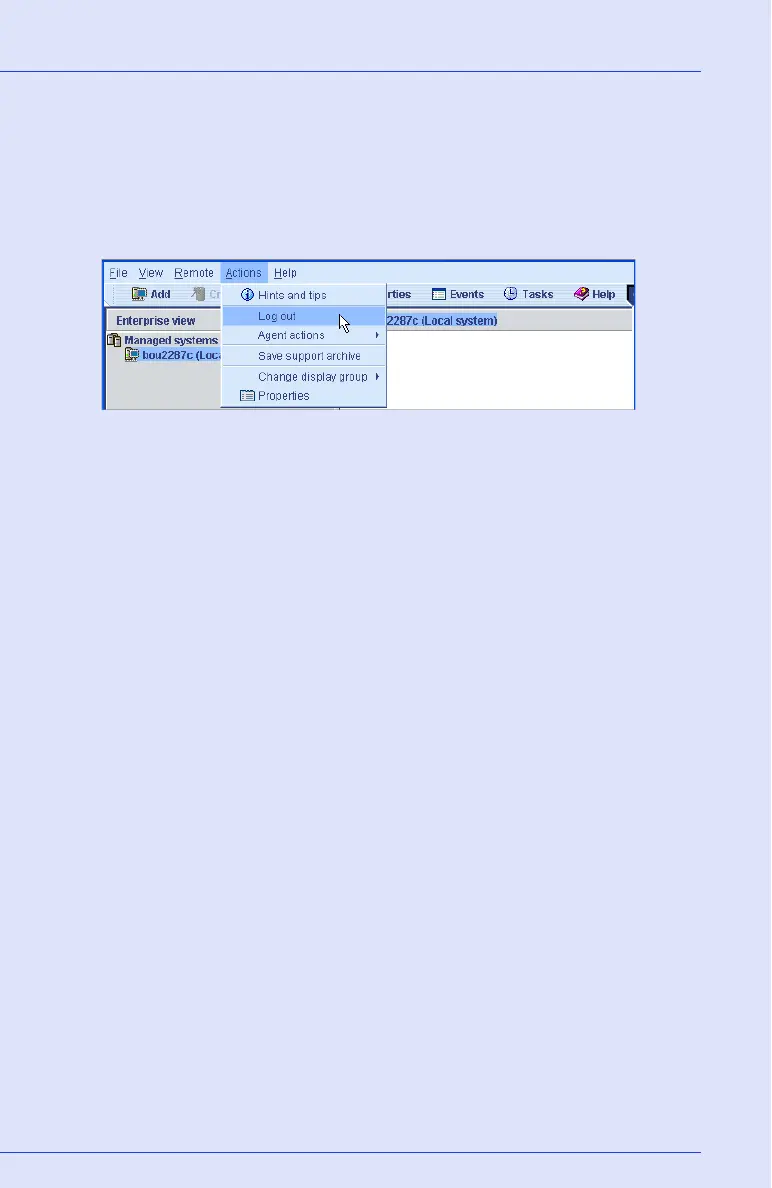
To log out of Adaptec Storage Manager:
1 In the Enterprise View, click on the local system.
2 In the menu bar, select Actions, then click Log out.
You are logged out of Adaptec Storage Manager.
Logging Back In
To log in to Adaptec Storage Manager:
1 In the Enterprise View, click on the local system.
2 In the menu bar, select Actions, then click Log in.
3 Enter your user name and password, then click Connect. (See
Understanding Permission Levels on page 35 for more information.)



 To Next Page