Step 3: Exploring Adaptec Storage Manager ● 45
Checking System Status
Adaptec Storage Manager includes an Event Viewer and a status bar for
at-a-glance system and event status information.
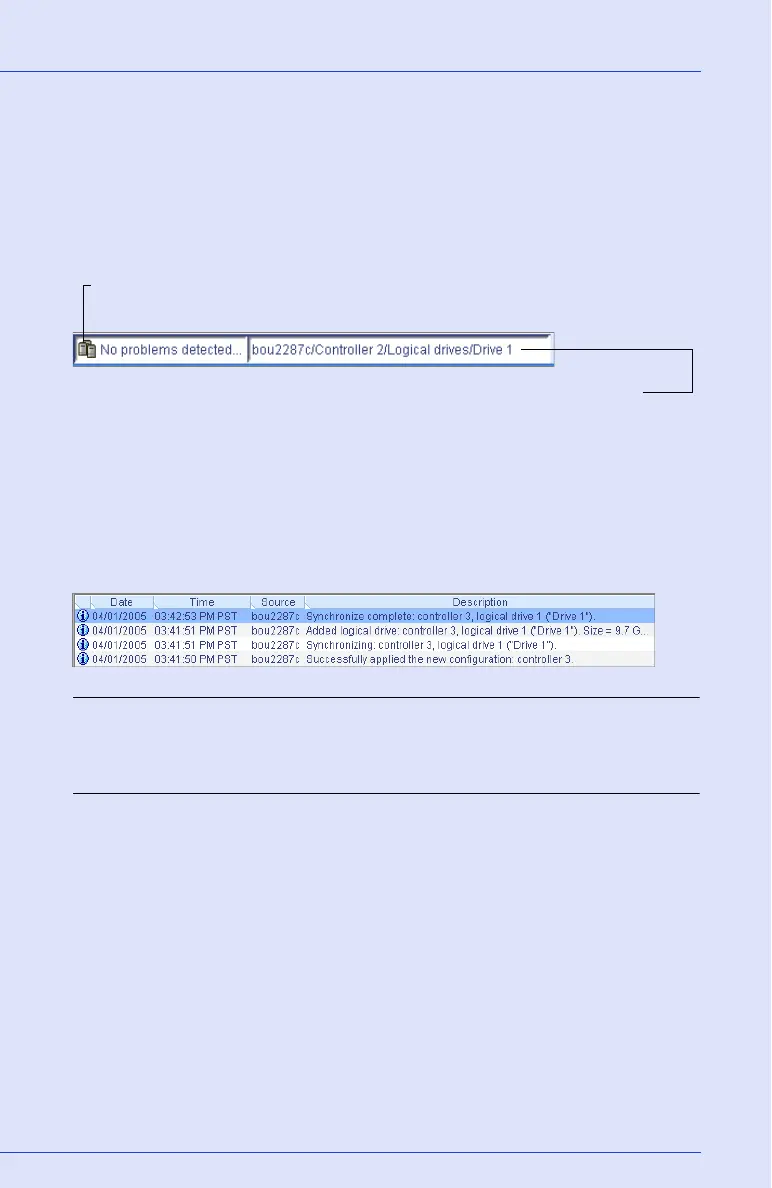
The status bar (shown below) provides at-a-glance information about a
selected controller.
The Event Viewer (shown below) provides status information and
messages about activity (or events) occurring in your storage space.
Double-click any event to see more information in an easier-to-read
format. See Monitoring Your Storage Space on page 99 for more
information.
Note: By default, all Warning- and Error-level events activate an audible
alarm. See Silencing and Testing the Audible Alarm on page 121 for more
information.
The status icon indicates if a controller is in a normal
state or if a problem has been detected
The tree path displays the location of the selected object
within Adaptec Storage Manager



 To Next Page