Chapter 14: Working with Display Groups ● 138
Deleting a Display Group
If required, you can delete a display group. When you delete the display
group, the systems that belonged to it are listed at the top of the
Enterprise View, above any remaining display groups.
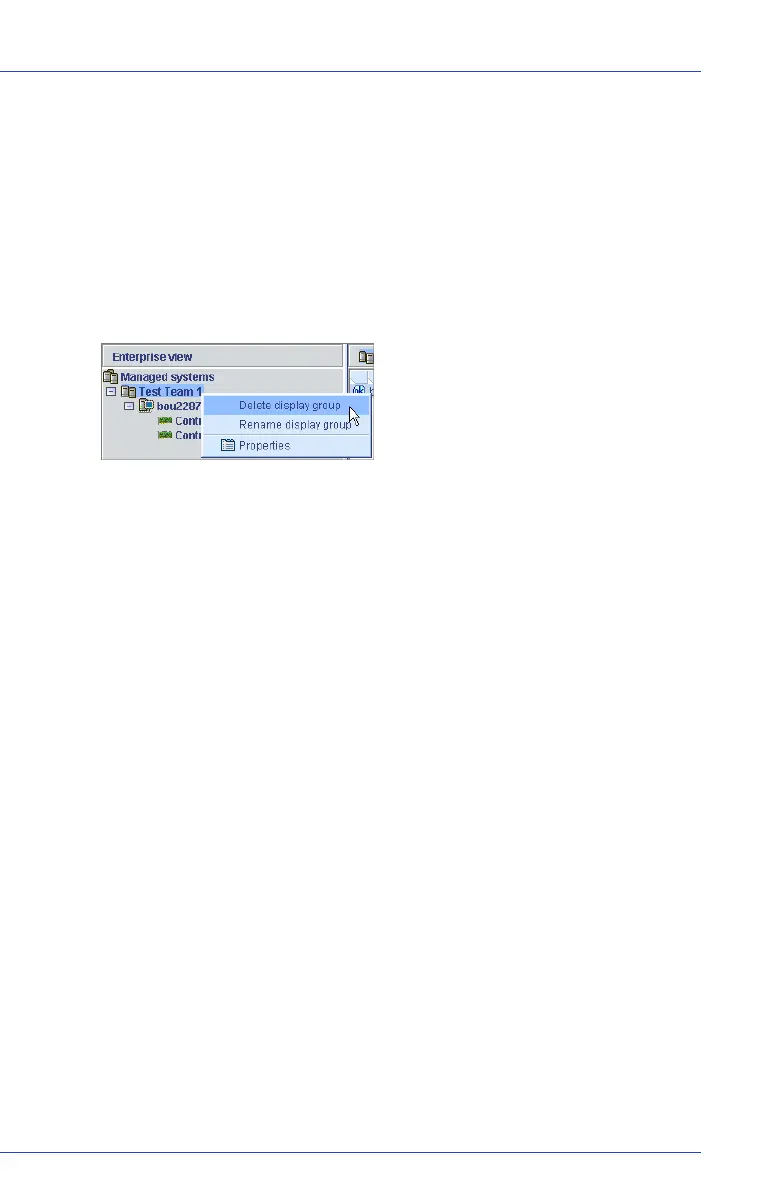
To delete a display group:
1 In the Enterprise View, right-click on the display group.
2 Click Delete display group.
The display group is deleted and the systems that belonged to it are
no longer grouped together in the Enterprise View.



 To Next Page