Step 4: Building Your Storage Space ● 56
Building a RAID Volume
A RAID Volume comprises two or more logical drives connected end-
to-end. The logical drives in a RAID Volume:
● Must be built using disk drives connected to the same controller.
● Must have the same RAID level assigned.
● Must not be striped together.
● May have equal or different capacities.
To build a RAID Volume:
1 Create two or more logical drives that meet the requirements listed
above, and wait for them to build and initialize. For instructions, see
Express Configuration: Building the Easy Way on page 48 or Custom
Configuration (Advanced) on page 51.
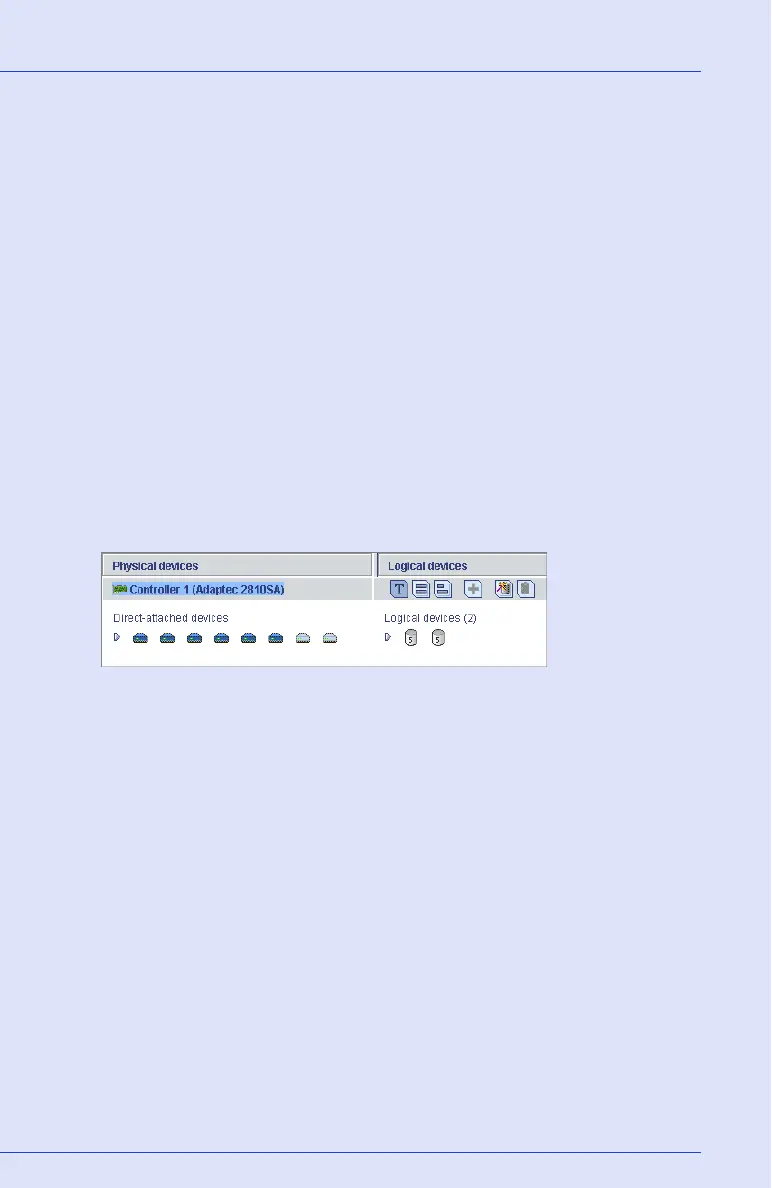
The example below shows two RAID 5 logical drives.
2 On the toolbar, click Create.
3 When the configuration wizard opens, select Custom
configuration..., then click Next.



 To Next Page