Chapter 12: Managing Tasks ● 130
What if a task misses its start time?
Tasks scheduled in Adaptec Storage Manager include an automatic 30-
minute grace period following their start time, to accommodate
temporary interruptions. For instance, if there’s a brief power outage a
task will run once normal conditions resume, if the interruption lasts
no longer than 30 minutes past the scheduled start time.
If a task misses its start time, it must be rescheduled. For instructions,
see Modifying a Task on page 129.
If a recurring task misses its start time, it is automatically rescheduled to
run at the next scheduled interval.
Deleting a Task
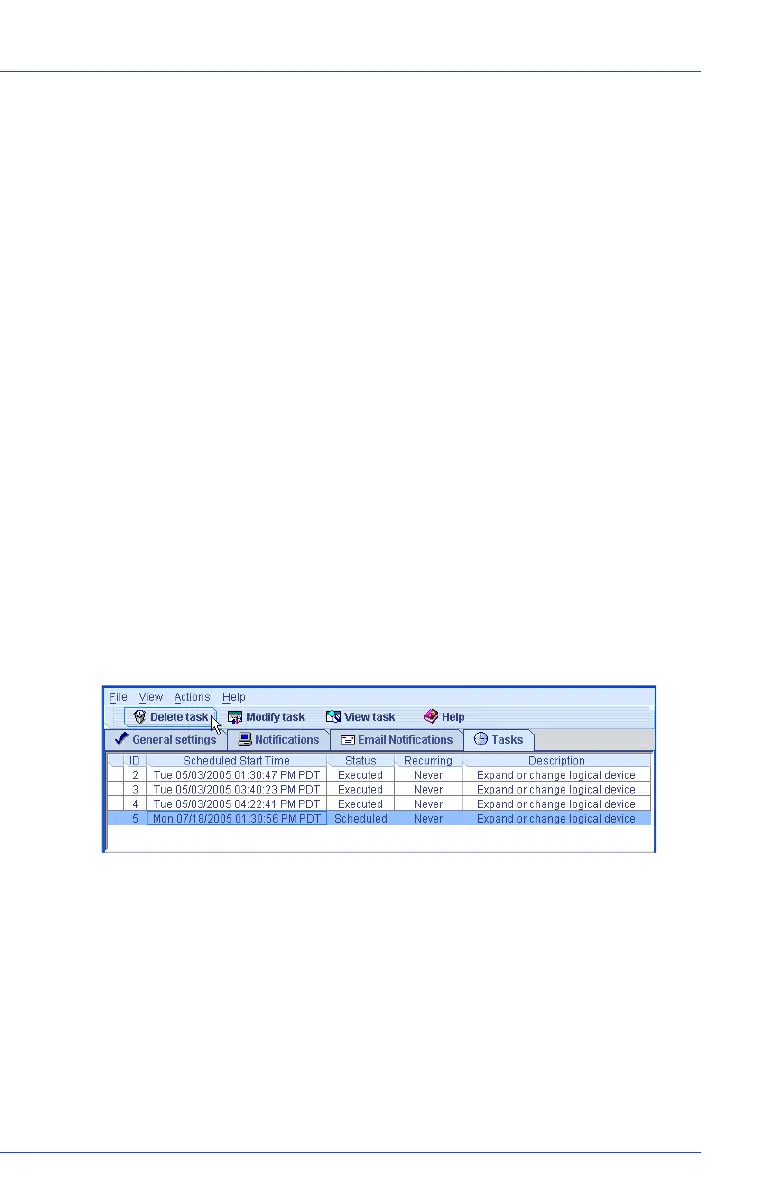
If a scheduled task is no longer required, you can delete it from the Task
Manager.
To delete a task:
1 In the tool bar, click Configure, select the system associated with the
task you want to delete, then click Ta s k s (as shown on page 126).
2 In the Task Manager, select the task you want to delete, then click
Delete task.
3 Click Ye s to confirm the deletion.
The task is deleted.



 To Next Page