Step 2: Starting Adaptec Storage Manager ● 31
Starting Adaptec Storage Manager on
Windows
On systems running Windows, you can run Adaptec Storage Manager
as a stand-alone application (like a regular software application), or in a
browser window (such as Microsoft Internet Explorer).
Note: Normally, you only need to run Adaptec Storage Manager in a
browser window if you’re working on a computer that isn’t part of your
storage space (does not have a controller installed). If the computer
you’re working on is part of your storage space, run Adaptec Storage
Manager as a standalone application.
1 Click Start > Programs > Adaptec Storage Manager.
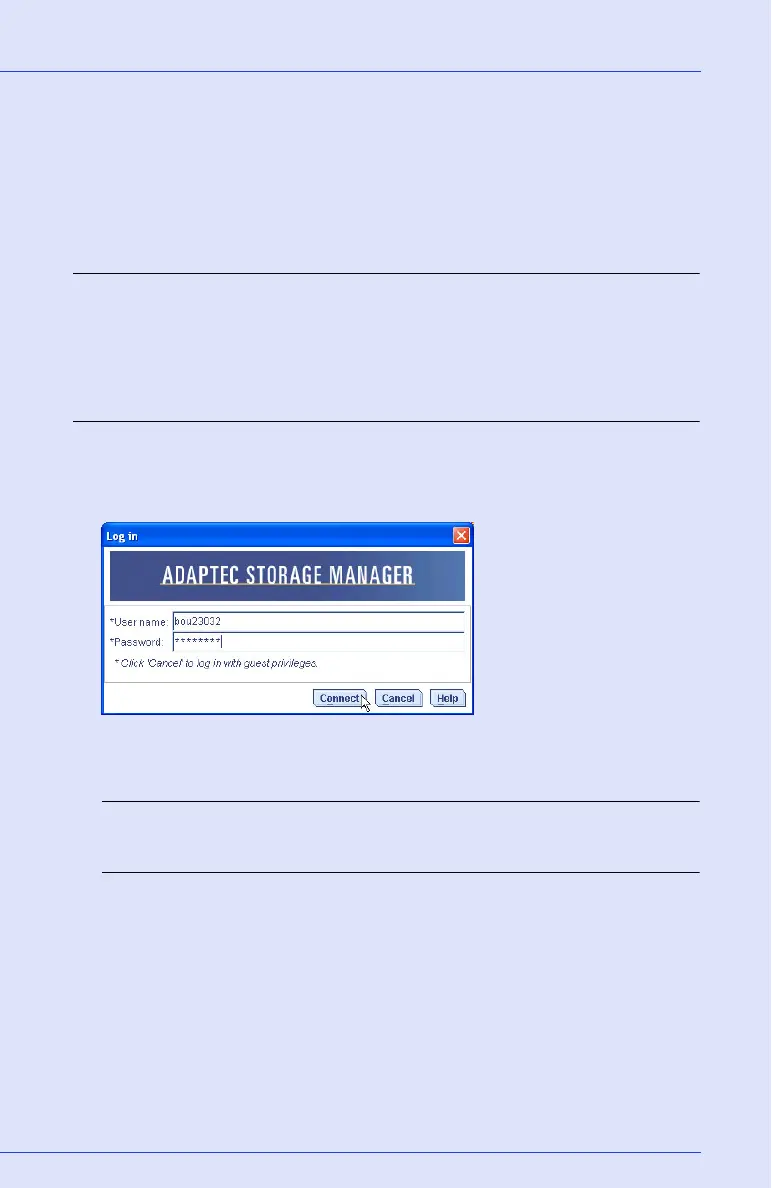
The Log In dialog box appears.
2 Enter the user name and password that you use to log on to your
system, then click Connect.
Note: Each user name has a permission level associated with it. See
Understanding Permission Levels on page 35 for more information.



 To Next Page