Step 4: Building Your Storage Space ● 58
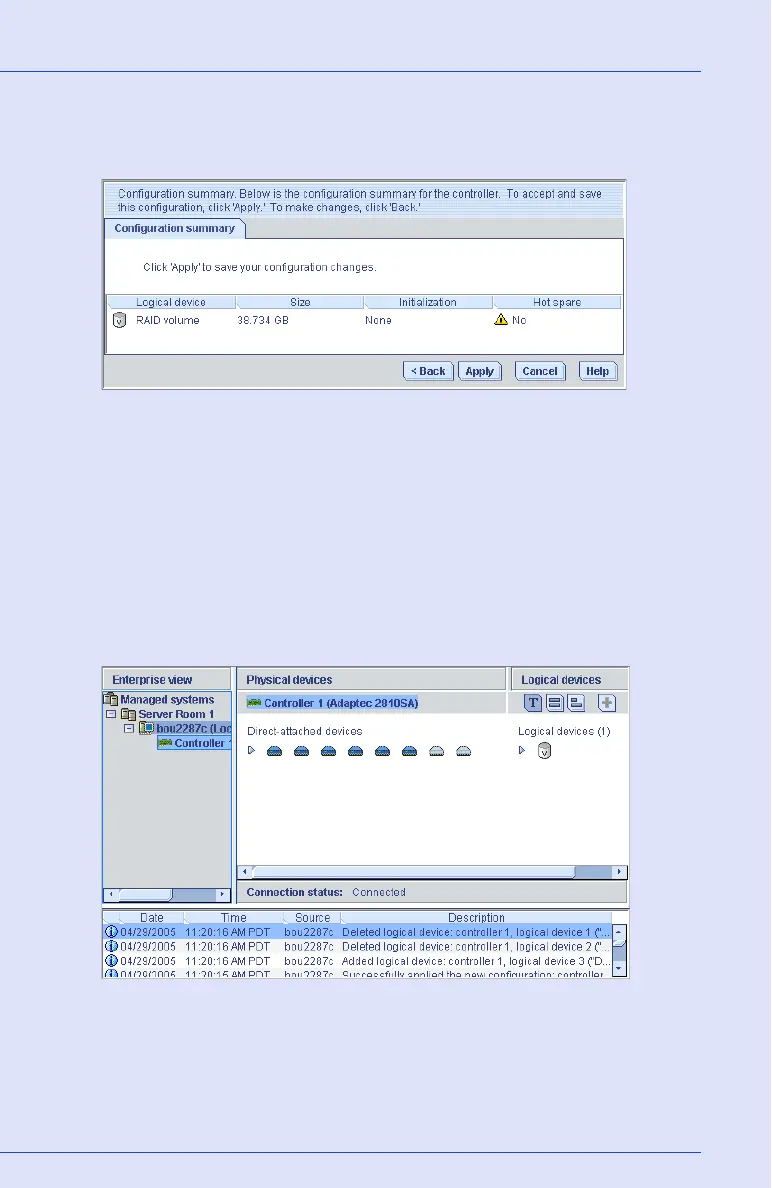
8 Review the RAID Volume settings.
The example below shows one RAID Volume ready to be created.
To make changes, click Back.
9 Click Apply, then click Ye s.
Adaptec Storage Manager builds the RAID Volume. The
configuration is saved on the Adaptec controller and on the physical
drives.
Adaptec Storage Manager replaces the individual logical drives with
a single RAID Volume in the Logical Devices View. The Event
Viewer shows that the logical drives have been deleted.
10 Partition and format your RAID Volume. See page 50 for more
information.



 To Next Page