Step 5: Customizing Adaptec Storage Manager ● 62
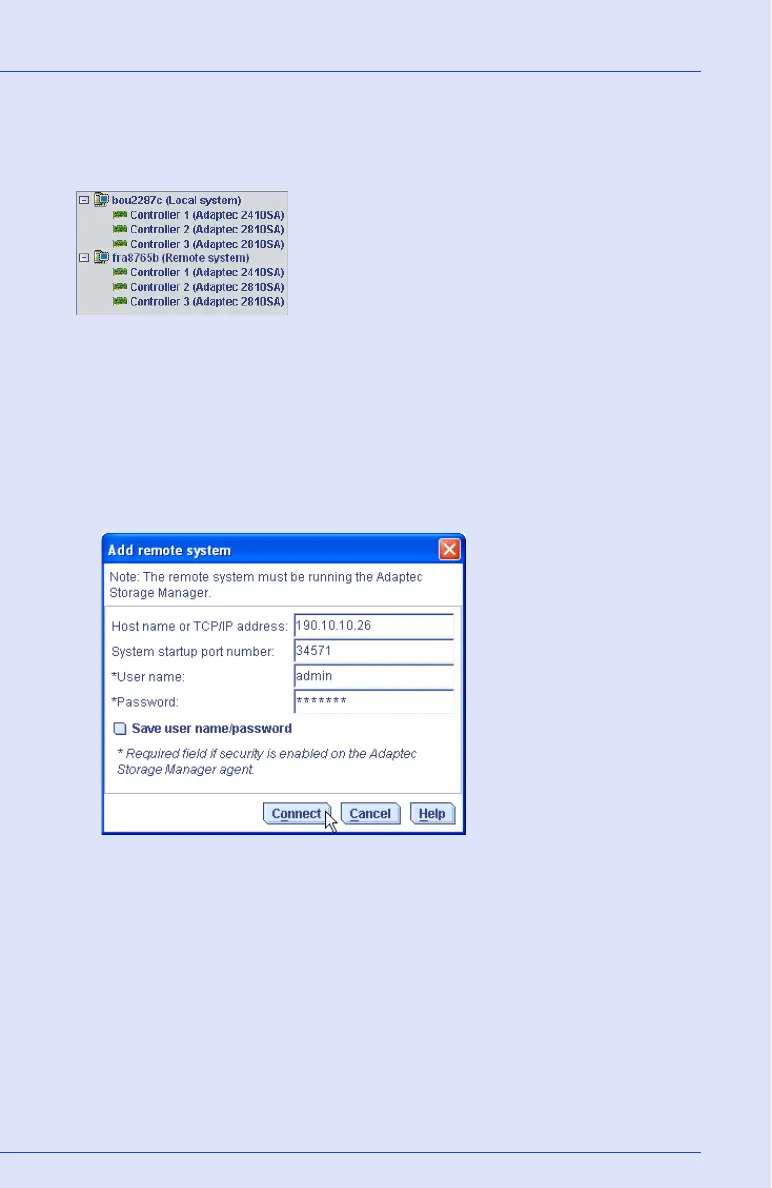
When you log in to a remote system, you add that system to the
Enterprise View of Adaptec Storage Manager, as shown in the example
below.
Once you have logged in to a remote system, it is automatically included
in the Enterprise View each time you start Adaptec Storage Manager
from the local system.
To log in to a remote system:
1 From the menu bar, click Remote, then select Add Remote System.
The Add Remote System window opens.
2 Enter the host name or TCP/IP address of the remote system.
3 Enter the startup port number of the remote system. The default
port number is 34571.
4 If prompted, enter your user name and password. (User names and
passwords are case sensitive.)
To save this user name and password, click inside the Save user
name/password box.



 To Next Page