Step 5: Customizing Adaptec Storage Manager ● 64
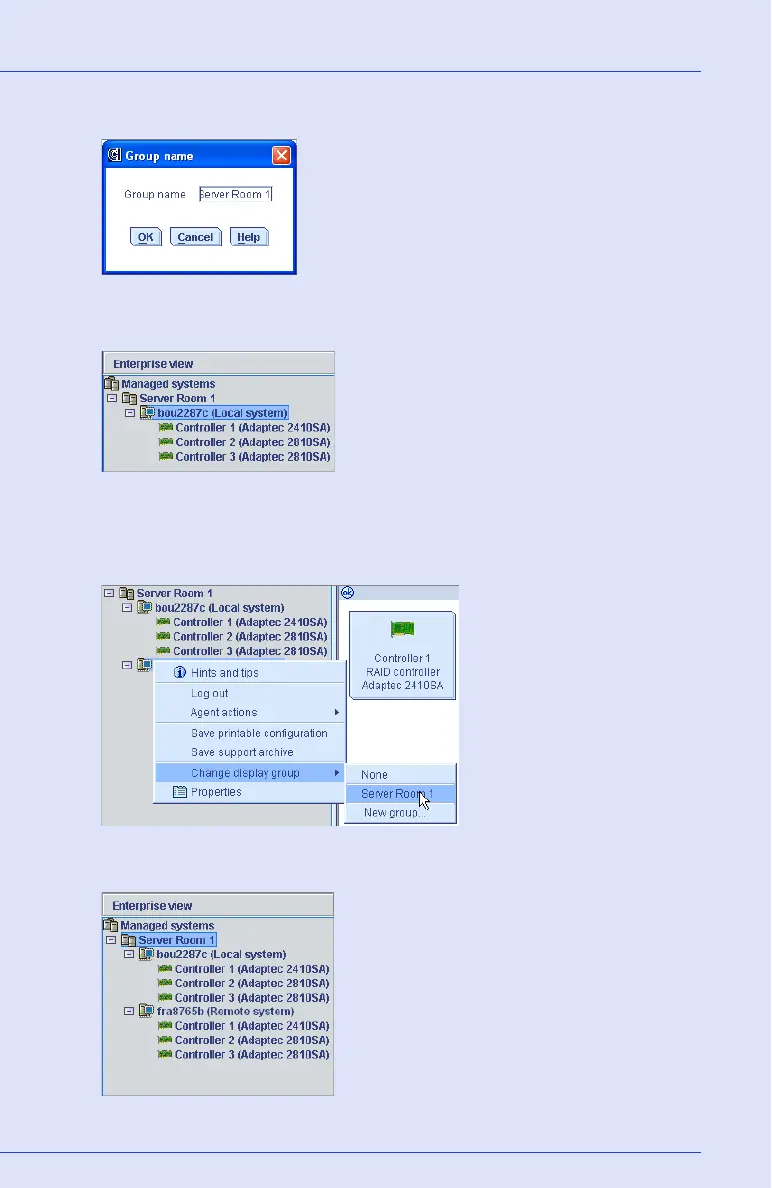
3 Enter a name for the new display group, then click OK.
The display group is created and the system you selected in Step 1 is
added to it.
4 To add another system to the display group, right-click on that
system in the Enterprise View, select Change display group, then
click the display group name.
The system is added to the display group.



 To Next Page