20
3.1.1 Status bar
The status bar contains three parts, status information, module display/hidden operation and function navigation.
1. Status information display area
◆ Date and time: the time is system time
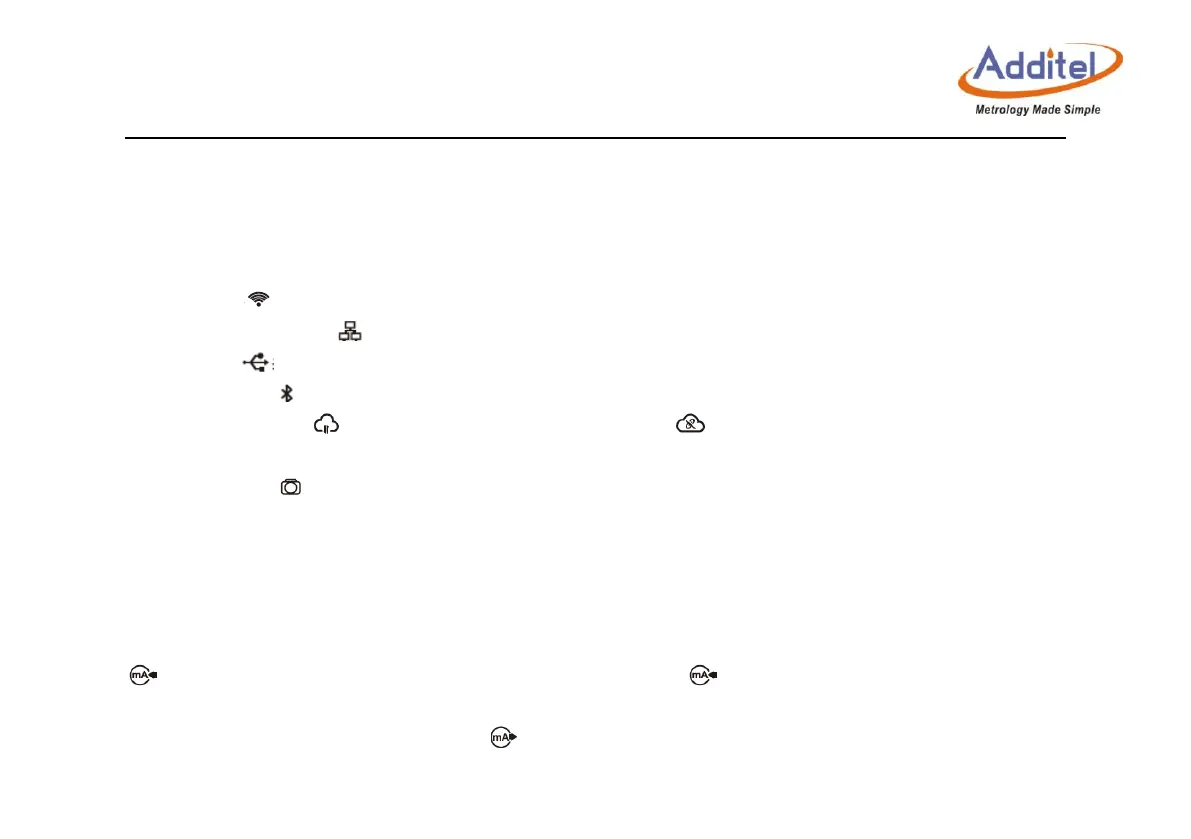
◆ Wi-Fi: Image indicates connection status and signal intensity.
◆ LAN connection: Image indicates network activity.
◆ USB: Image indicates USB device activity
◆ Bluetooth: Image indicates Bluetooth function is working.
◆ Cloud service: Image indicates cloud service is working, image indicates cloud service is enabled, but has
lost connection.
◆ Snapshot: Image indicates snapshot function is operating.
2. Module function display/hidden operation area
Modules can be displayed or hidden by clicking the corresponding function icon. When the module is in the display
state, the icon is highlighted, when the module is in the hidden state, the icon is dim.
Electrical measurement module display/hidden: Icon will be displayed according to electrical measurement. When the
icon shows, it indicates the mA measurement is displayed. Click icon, then click measure function, the icon
will become dim.
Electrical output module display/hidden: Icon will be displayed according to electrical output. When electrical signal
is outputting, the arrow on the icon will be flickering.



 To Next Page