98
If connecting an external pressure module, it needs to be selected
If loop power is required, please set it before starting
5. For the contents of task end, refer to Section 5.2.1 task end for calibration of the analog pressure
gauge.
5.2.4 Pressure switch
1. Connection
Connect the calibrator and the pressure switch as shown in Figure 3-20;
2. New task
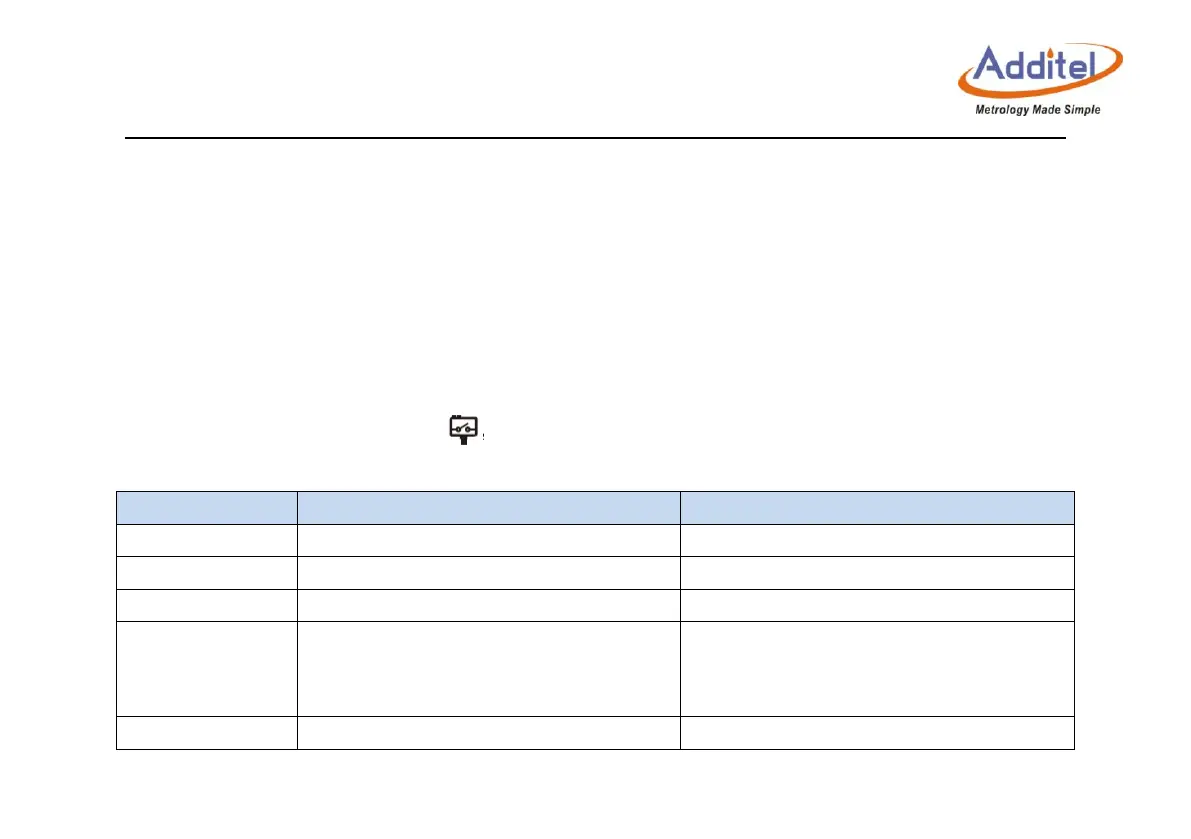
Select the “pressure switch” icon in the test type list, and input the information of the pressure
switch.
Name of the pressure sensor
Serial number of the pressure sensor
Model of the pressure switch
Gauge pressure, absolute pressure,
differential pressure
Pressure type of the pressure switch,
check the support conditions according
to the calibrator model
Depends on the pressure switch
Pressure range of the pressure switch



 To Next Page