22
◆ Pressure output area: see section 3.2 pressure output.
◆ Electrical signal measuring area: see section 3.3 electrical signal measuring .
◆ Electrical signal output area: see section 3.4 electrical signal output.
◆ External pressure module A & B areas: see section 3.5
3.1.3 Main interface keypad operation
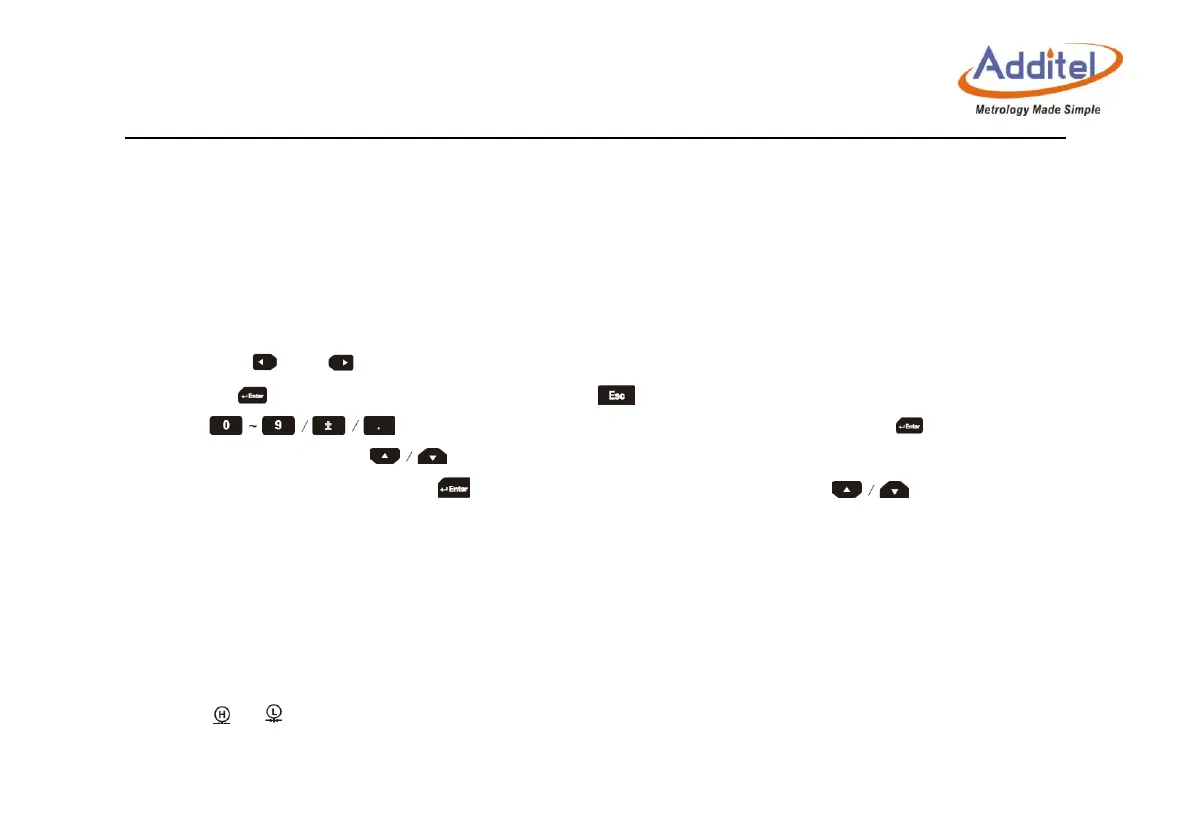
◆ By clicking and on main interface , you can choose each function area icon, indicated by the orange
frame. Press to trigger corresponding functions, press to quit corresponding functions.
◆ Press to type targeted value in pressure output area , then press to generate and
control to that pressure. Press to adjust targeted value. If the pressure output is hidden and the electrical
signal output area is displayed, press and enter to electrical output area or press to adjust electrical
output value.
3.2 Pressure control
3.2.1 Pressure output
1. Click or to open internal pressure control on status bar: High pressure range and low pressure range.
◆ Click on the high or low pressure icon on the left status bar to switch the internal pressure module.



 To Next Page