50
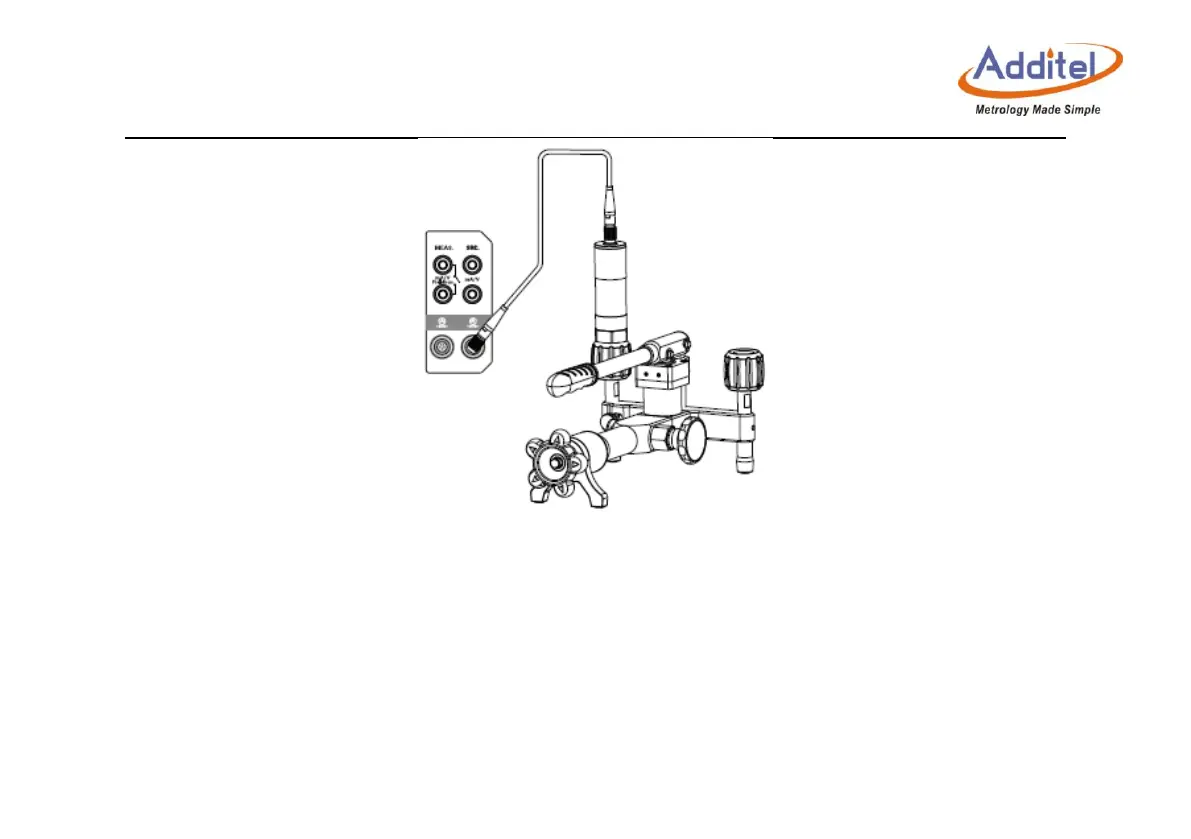
Figure 3- 11 Connection of the external module
Select "Module Information", to view related information of the external pressure module.
Select "Resolution", and set the number of digits displayed to 4, 5 or 6.
Select "Filter". Then, you can select first-order filter or average filter as the filter type, and set
related parameters.



 To Next Page