70
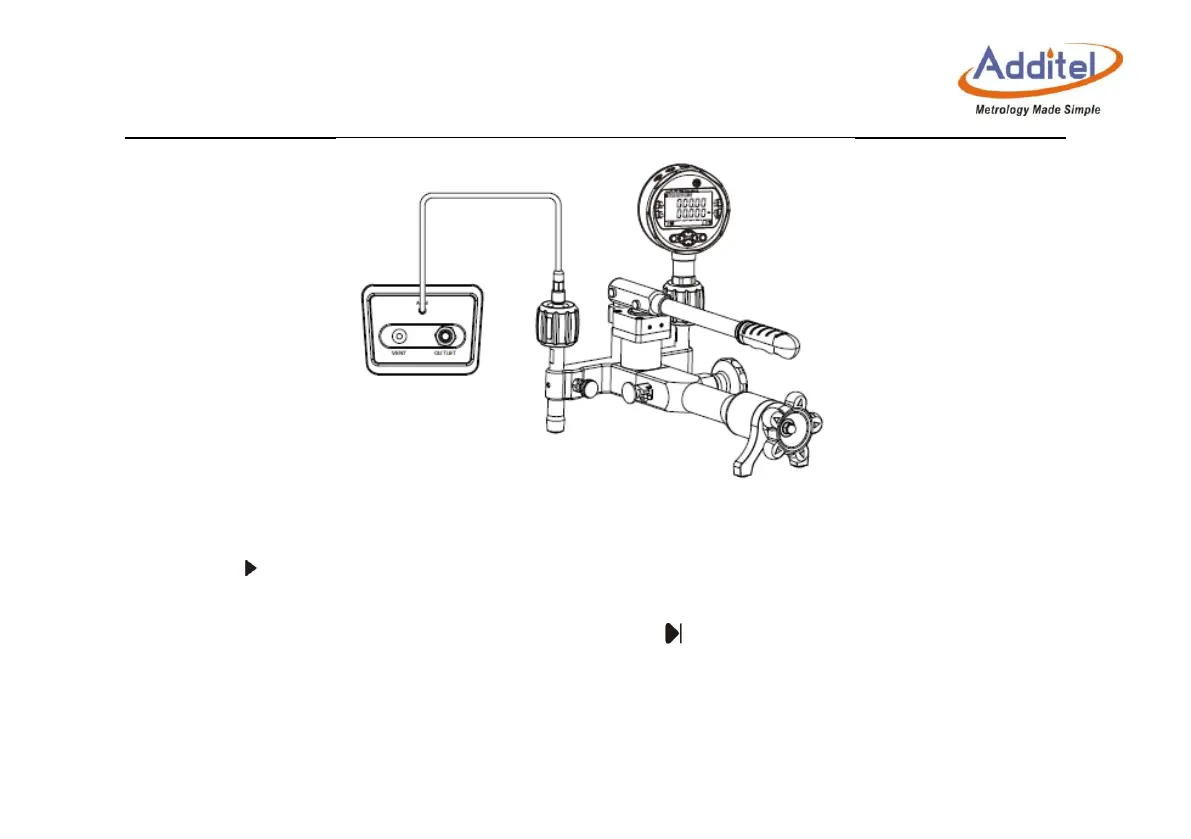
Figure 4- 2 Calibrate an barometric pressure module
3) Perform calibration
Click to perform calibration.
According to the calibrator's prompt, make the standard instrument output pressure to the
calibrator. Until the pressure becomes stable, click to perform calibration of the next point.
If the measured value deviates greatly from the calibration point, it will give a prompt.
After calibration is completed successfully, new calibration data will take effect immediately,
and the calibration date is recorded in the system.



 To Next Page