23
Snapshots
You can save up to 8 static scenes in the Link controller’s memory that will allow
it to work in a stand-alone mode without the use of an IPad. These scenes are
snapshots of the current output of all four DMX512 universes.
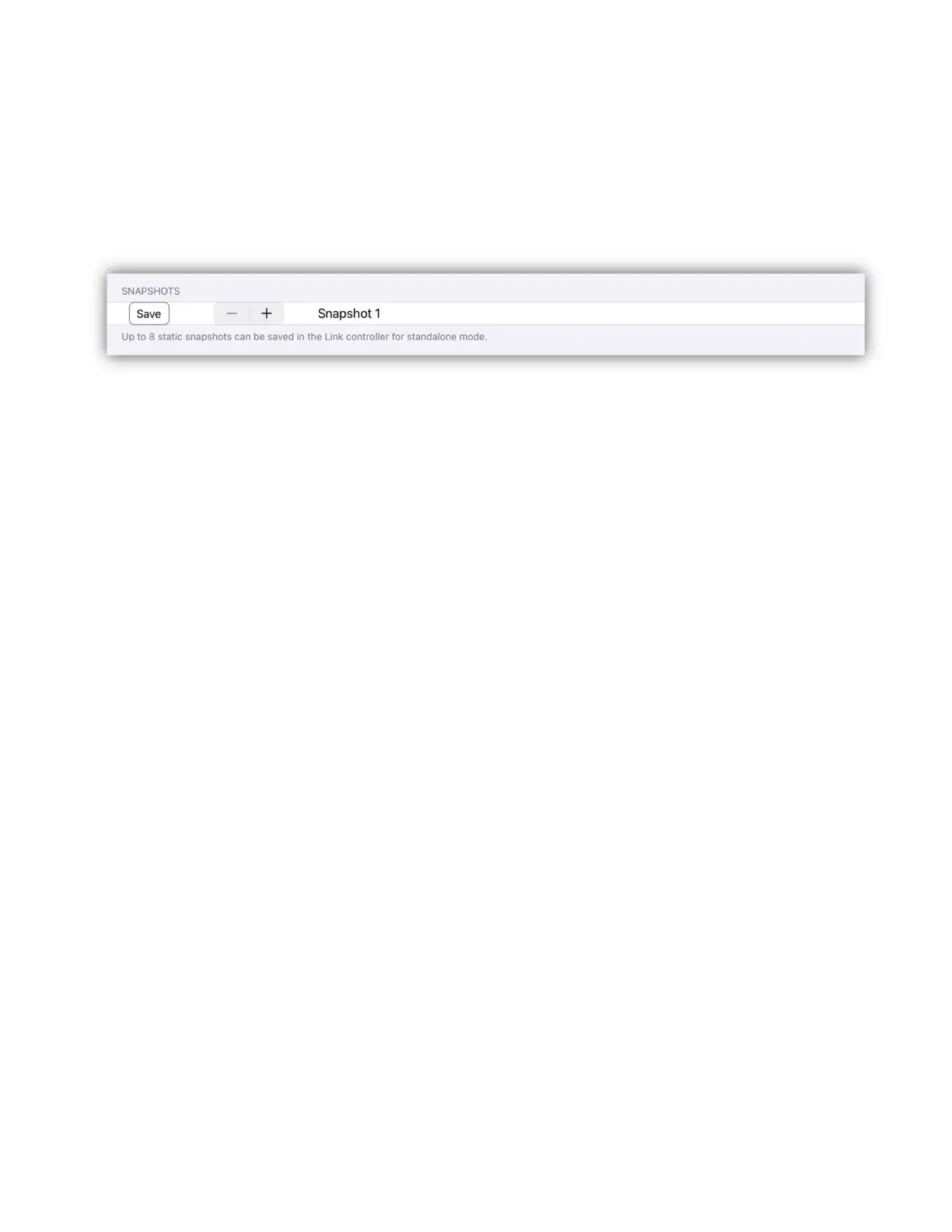
To save a new snapshot, first set all lights to a static scene without running an
effect. Select the snapshot number 1-8 using the stepper buttons then tap the
save button. The scene will be saved in the Link controller memory.
To run the Link in stand-alone mode, press and hold button 1 in the button matrix
on power-up. “SA” will be displayed in the matrix page. Use buttons 1-8 to play
back any one of 8 snapshot scenes. In stand-alone mode, the Link will not create
its network or connect to any device over USB.


 To Next Page