34
Scenes View
Scenes are how you save the channel settings you have programmed. Scenes are
stored in the IPad memory as a collection of fixtures with selected channels set to
a static value. Scenes can also include any running effects. You can save a fade-in
time with a scene as well as a separate fade-out time. A scene does not
necessarily control every fixture and every channel on the stage, only those
channels that are included when the scene is saved. A scene can be as small as a
single channel from a single fixture.
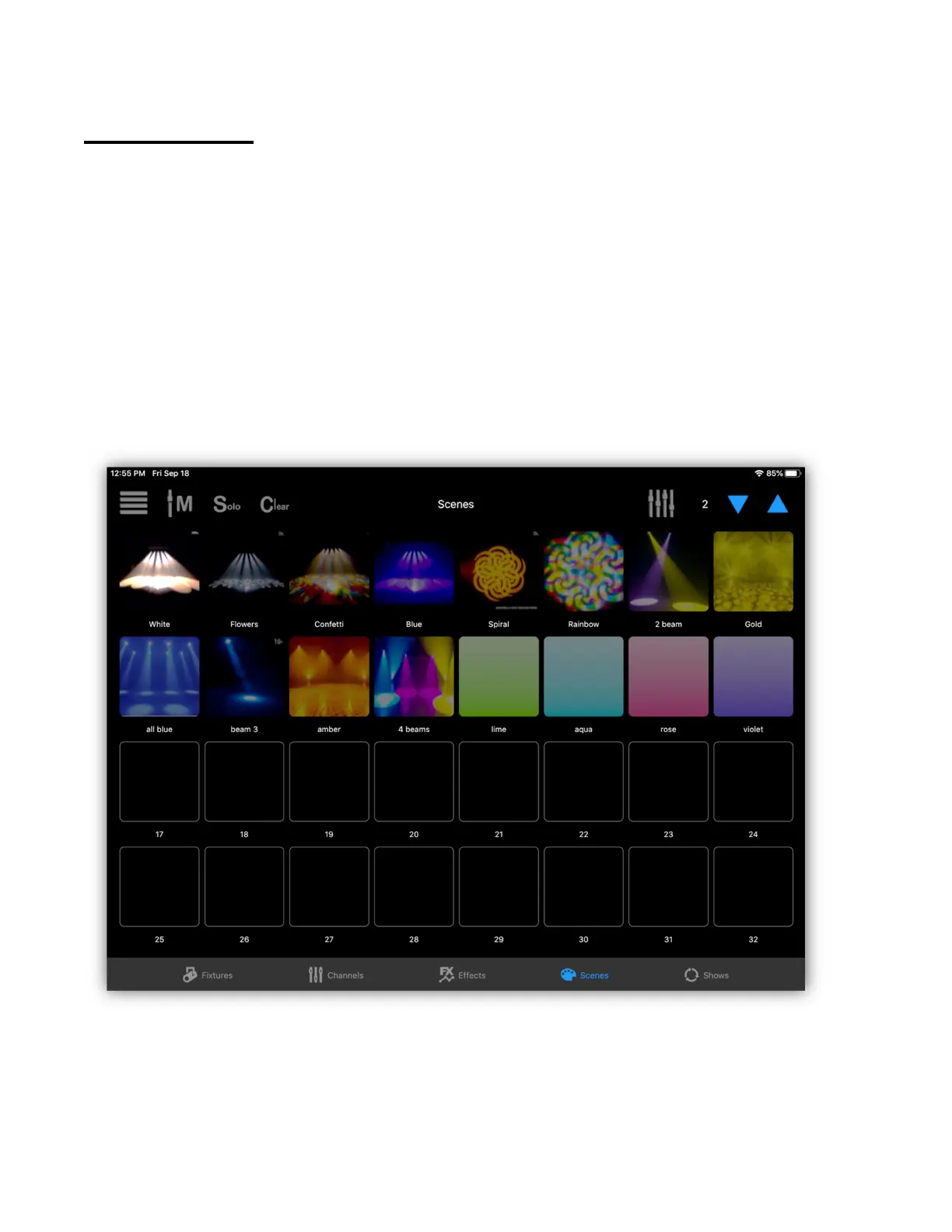
The example below shows the scenes view with 16 scenes assigned to the first 16
scene buttons. The first button is highlighted showing that the scene is active.
The LED for button 1 on the Link will also be lit.
There are 99 scene pages available with 32 scene buttons per page. The 32
button matrix on the Link will correspond with each button on the screen. Tapping
any button on the screen or on the Link that has a scene assigned to it will toggle
the scene on or off. When turning on, the scene’s channels will fade in using the
fade in time that was saved with the scene. Tapping again will fade the scene out



 To Next Page