33
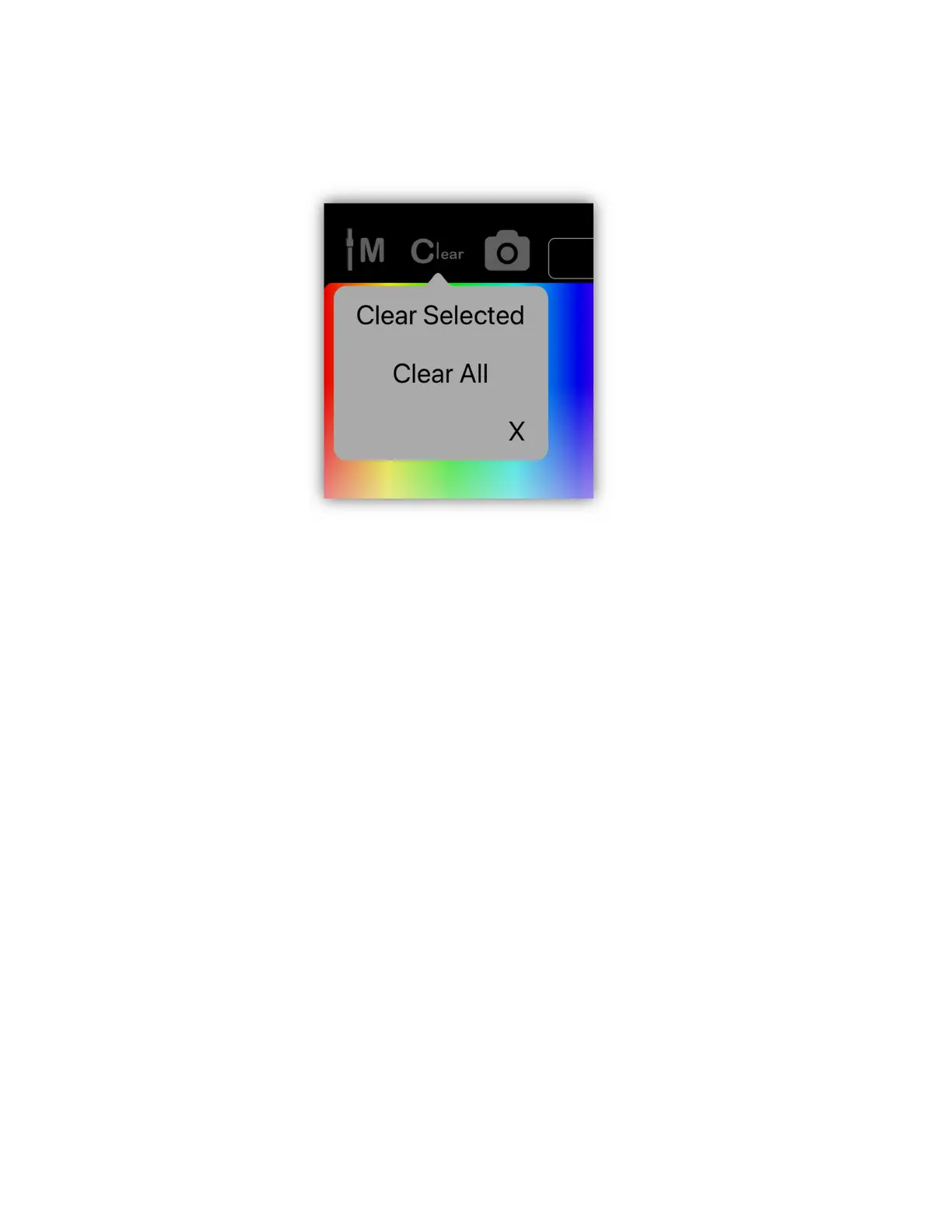
“Clear All” to clear every channel. Press the clear button on the Link to show the
pop-up then press a second time to clear all channels.
Important Note: When you move a channel slider, that channel is automatically
marked for inclusion in a scene. Its level number will be shown in green to show
that it’s included. To remove all fixture channels from inclusion in a scene, use the
clear button. To remove only certain individual channels within a fixture from
inclusion, use the clear button on the channel keypad pop-up (touch the number
above the fader image). Channels that are not included will show their values in
gray. A channel can be set to 0 and still be included in the scene. You will often
want to force a channel value to be 0 for certain types of scenes.
Save Button
Tapping “Save” on the screen or pressing the save button on the Link will take
you directly to the scene assignment table view. From there you will be able to
quickly save a static scene to one of the scene buttons. For more information on
scenes and how to save them, see the “Scenes View” chapter.



 To Next Page