26
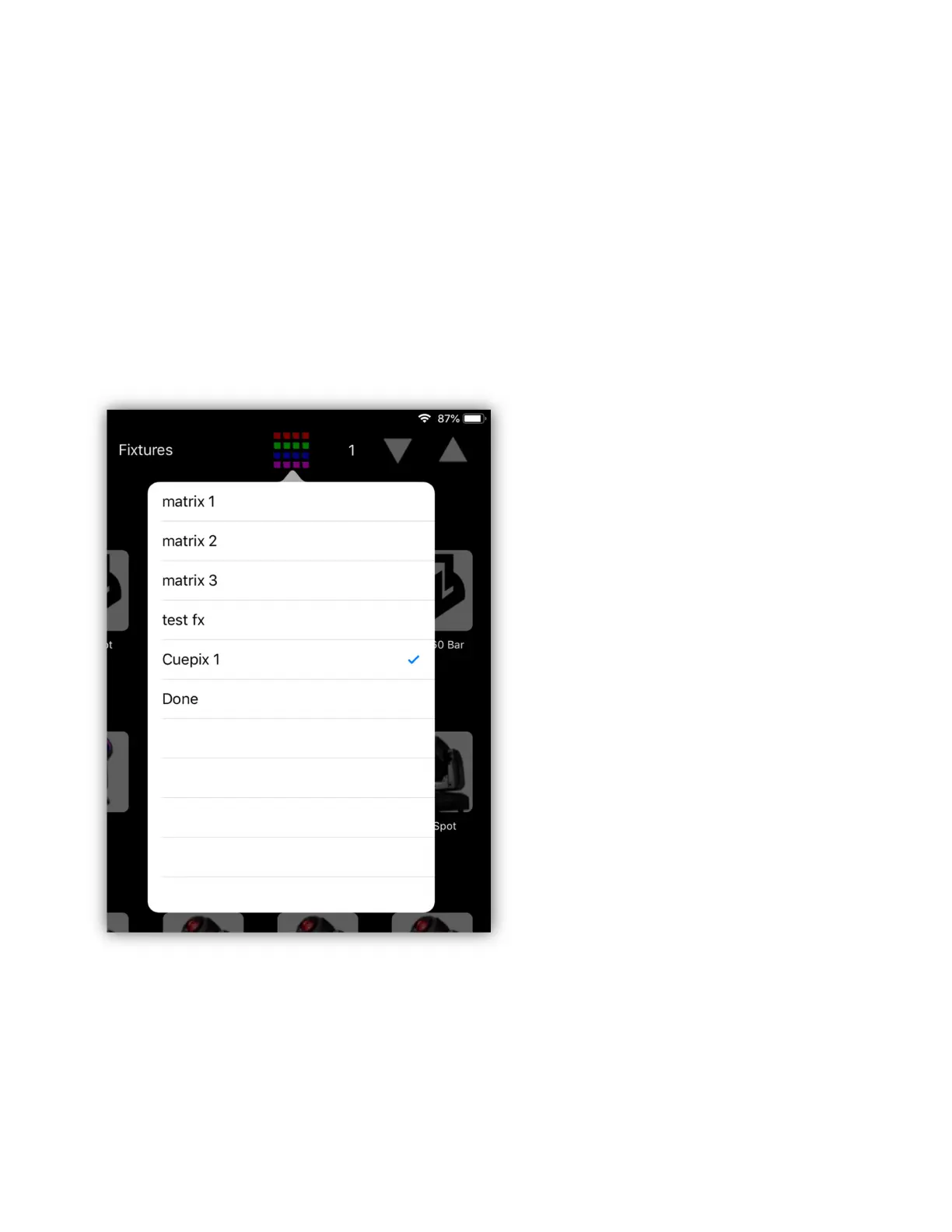
Selecting a Matrix
Matrices that have been saved can then be selected and included in the color
effects. Tap the matrix button at the top of the fixtures view to show a list of
matrices. Tap any matrix in the list to select or deselect it. A check will appear
next to any matrix that is selected as shown in the example below. More than one
can be selected. Tap the “Done” row or anywhere outside the list to dismiss.
Refer to the color effects chapter for more information on how to use matrices in
effects.



 To Next Page