77
IOS Files App
The files app gives you easy access to files on your IPad as well as any cloud
service you use. If for example you have some custom fixture profiles on the
original Airstream app that you would like to use on this app, it’s easy to copy and
paste them from one app’s documents to another’s. You can also backup files and
folders by copying and pasting them to a cloud folder.
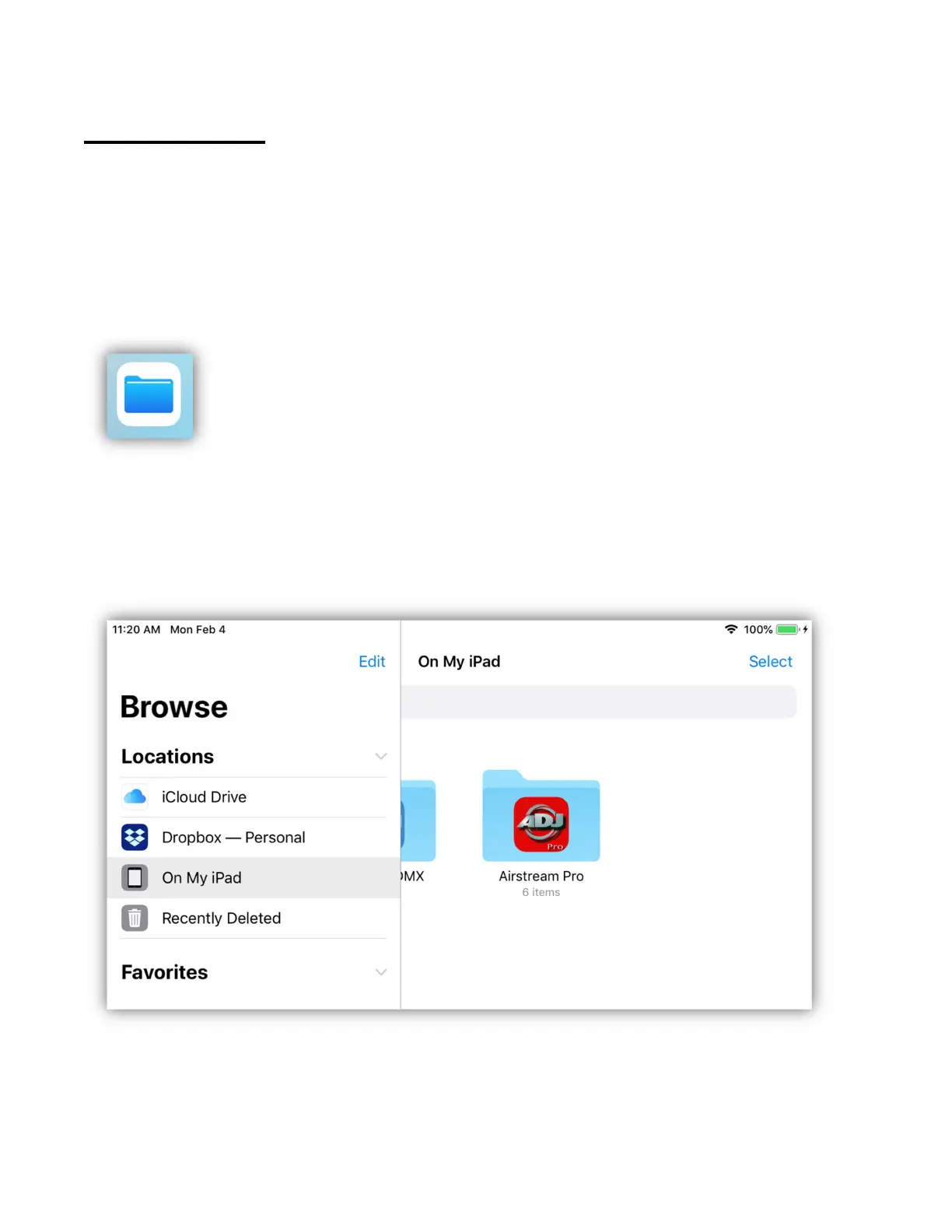
Tap the files app icon to open it.
You will see something similar to the example below after selecting “Locations”.
In this example the three important locations are ICloud Drive, Dropbox and My
IPad. When you select a location, you will be able to view the files there. Note
that when using the files app for the first time you may need to enable your
locations using “Edit” in the locations pane.



 To Next Page